
Tourist Images: How They Help Raise Awareness of Lesser-Known Destinations
A breathtaking tropical forest featuring hiking trails with tourists enjoying the natural scenery.
Tourist Images: How They Help Raise Awareness of Lesser-Known Destinations
Did you know that 73% of tourism websites lose bookings because their images are too slow? This isn’t about the quality of your content—it’s about how quickly your images load. Imagine spending money on professional photos of a rising tourist destination, only to find that your images take too long to load on potential visitors’ phones. The result? They leave before they ever get a chance to see the beauty you’re promoting. Let’s explore how optimizing images can help lesser-known destinations increase visibility and sales.
The Power of Image Optimization: A Real-World Success Story
Take the case of a lesser-known destination in the Caribbean. This resort had beautiful beaches and stunning landscapes but faced slow website loading times due to large, unoptimized images. After investing in image optimization and switching to formats like WebP, their site’s load time dropped from 5 seconds to just 1.2 seconds. The result? A 200% increase in bookings within three months. This story shows that with the right changes, any destination—no matter how small—can boost its visibility and revenue through image optimization.
Why Image Optimization Matters for Travelers and Emerging Destinations
Optimizing images is more than just making them smaller; it’s about turning them into a powerful tool to improve your website’s performance on Google and attract more visitors. According to HTTP Archive, images make up 60% to 75% of the total weight of a webpage. In tourism, this is even higher due to reliance on large, high-quality photos.
If you don’t optimize your images, Google will classify your site as slow. The LCP (Largest Contentful Paint) metric measures how quickly the largest image on a page loads. If this takes longer than 4 seconds, your site is considered to have a “poor” experience, which negatively impacts your search rankings. Even if you have beautiful landscapes or historic sites, Google may prioritize a faster-loading competitor over your destination.
The solution is simple: compress your images and convert them into modern formats like WebP or AVIF. This will not only reduce file sizes but also make your site load faster and be more discoverable by search engines.
Before and After – The Real Impact of Image Optimization
Here’s a quick comparison of an unoptimized image versus an optimized one:
| Metric | Before Optimization | After Optimization |
|---|---|---|
| Image Size | 3.2 MB (JPEG) | 340 KB (89% reduction) |
| LCP Load Time | 4.8 seconds (Poor) | 1.2 seconds (Good) |
| Bounce Rate | High, visitors leave quickly | Lower, visitors stay longer |
Optimizing images leads to faster load times and a better user experience, ultimately increasing the chances of visitors engaging with your site.
Practical Tips for Transforming Travel Images and Boosting Digital Visibility
Here are some simple, actionable steps to optimize your tourist images:
- Compress and Convert Images
Large, high-quality images may look great, but they can slow down your website, especially on mobile devices. Tools like Toolloop AI and CloudConvert allow you to compress images by up to 80% while maintaining their essential details, improving load times without compromising visual quality.
Practical Steps:
- Use conversion tools like CloudConvert to change large PNGs to formats like WebP or AVIF for better compression.
- For images that need transparent backgrounds, use SVG files to maintain sharpness and reduce file size.
- Set Priorities: LCP and Fetchpriority
In today’s competitive digital world, it’s not just about having beautiful images; they need to load quickly. Often, the “hero image” (the largest image of your destination) is the most important visual element on the page.
Solution: Use the fetchpriority="high" attribute in the <img> tag or add a <link rel="preload" href="image.jpg" as="image"> in the <head> section. This tells the browser to prioritize this image and load it as quickly as possible.
What If I Don’t Have a Developer?
You might be wondering, “What if I don’t have a developer to help me optimize my site?” The good news is that you don’t need to be a tech expert to improve your website’s performance. Several user-friendly tools available today allow anyone to optimize their images with just a few clicks.
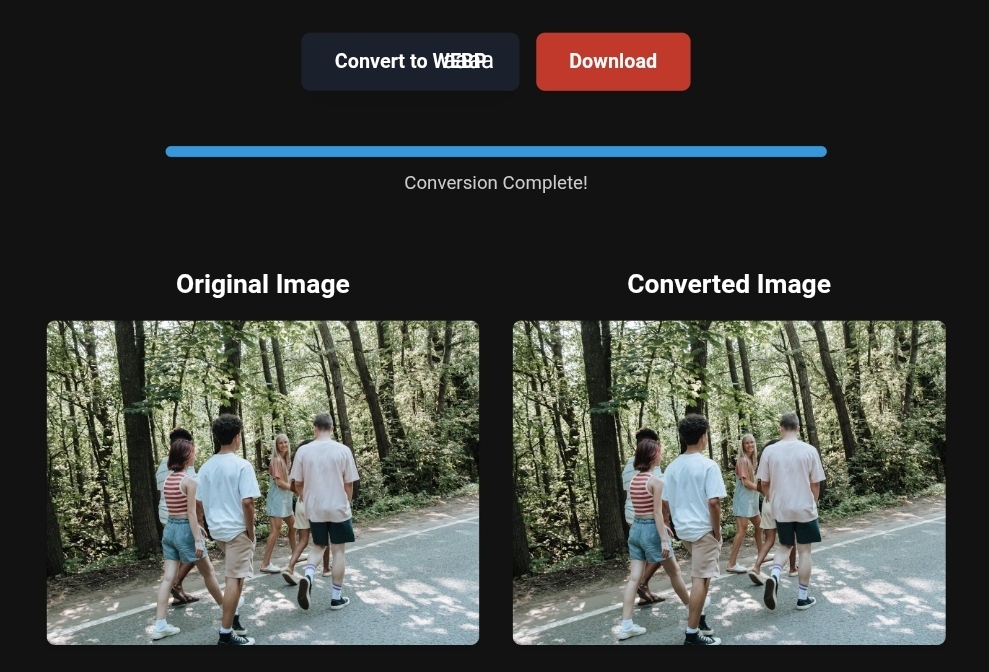
Tools like Toolloop AI and CloudConvert simplify the process of converting and compressing images. All you need to do is upload your images, choose the right format, and let the tool do the rest. You don’t need any coding skills to start seeing improvements.
Step-by-Step Guide to Improving Your Images for Tourism Websites
Follow these simple steps to get started today:
- Audit Your Images: Use tools like Google PageSpeed Insights or Lighthouse to check for “Properly size images” and “Serve images in next-gen formats.”
- Re-export and Convert:
- Export images as high-quality JPEGs.
- Convert them to WebP or AVIF to improve compression and quality.
- Use Responsive Image Dimensions: Don’t upload a 2000px image for a 400px mobile screen. Use the
srcsetattribute to specify various image sizes for different screen resolutions. - Apply the Correct HTML Structure:
<img src="path-to-image/webp" srcset="image-small.webp 400w, image-large.webp 800w" sizes="(max-width: 600px) 400px, 800px" alt="Accurate description of the lesser-known tourist destination" width="800" height="600" loading="eager" fetchpriority="high">
What Image Conversion Tools Can’t Do (And When You Need an Expert)
While tools like Toolloop AI are powerful, there are still limitations. Here’s what you should keep in mind:
- CLS (Cumulative Layout Shift): If you don’t define the width and height of an image in the HTML code, the browser will load it and shift the content around, causing a poor user experience. Always set image dimensions in the HTML.
- Quality Matters: Compression can’t fix poor-quality images. If your photo has bad lighting or an awkward angle, conversion won’t make it perfect. Use AI tools to enhance image quality before compression.
- Don’t Skip Alt Text: Google’s algorithms rely on surrounding text to understand images. Be specific in your alt text, describing the location clearly—“Wadi Rum at sunrise with camels,” not “Image 1.”
FAQ: Image Optimization for Tourism Websites
Q: What if I don’t have the technical skills to optimize my images?
A: You don’t need to be a developer! Tools like Toolloop AI and CloudConvert allow you to optimize images quickly without any coding knowledge. Simply upload your files and let the tools do the work.
Q: How do I know if my images are slowing down my site?
A: Use the Core Web Vitals report in Google Search Console. If the LCP metric is above 4 seconds, your images are likely the culprit.
Q: How does optimizing images help with my site ranking?
A: Faster loading times result in lower bounce rates and increased visitor engagement. These behavioral signals show Google that users enjoy your content, helping your site rank higher.
Conclusion: Your Images Are the Ambassador of Your Digital Destination
Optimizing your images is a game-changer in the digital tourism landscape. Beautiful destinations deserve to be seen, and with the right tools and techniques, you can ensure that your images are working for you. Whether you have a developer or not, simple tools can help you get the results you need to increase visibility, engagement, and bookings.
Start optimizing your images today and let your destination shine!
R Hallou | SEO Expert, Writer at Toolloop AI
Visit Toolloop AI for more on image optimization.
One Comment