
The Role of Images in Sports Tourism Marketing: Attracting Fans and Athletes
The Role of Images in Sports Tourism Marketing: Attracting Fans and Athletes
Imagine you’ve invested thousands of dollars into organizing a major sports event, prepared a world-class stadium, and invited the best athletes and fans. Then, the first day of the event arrives… and no one shows up. Why? Because the images you posted on your website and social accounts were slow to load, blurry, and not optimized. In a world where 94% of travelers decide their destination based on images they see online, a single image can either make or break your brand.
This article is your rescue guide. Not only will I provide steps to optimize your images, but I’ll also reveal the real dangers that threaten your marketing campaign if you ignore these steps. In return, I’ll offer simple, ready-to-apply solutions that you can implement in minutes.
Why Image Optimization Matters for Travelers and Athletes
The silent killer you’re not talking about:
When a football fan looks to book a ticket to a match in Spain, or a professional athlete searches for a training camp in the Alps, the first thing they do is search for images. But here’s where the silent disaster happens:
- 80% of users will leave a site if it takes more than 3 seconds to load an image. You lose a potential customer for every second of delay.
- Unoptimized images consume 60% of mobile bandwidth, meaning a fan browsing on their phone while on the go will experience a catastrophic user experience.
- Search engines penalize slow websites, meaning your site might not even appear on the 10th page of search results.
The Simple Ready-to-Apply Solution:
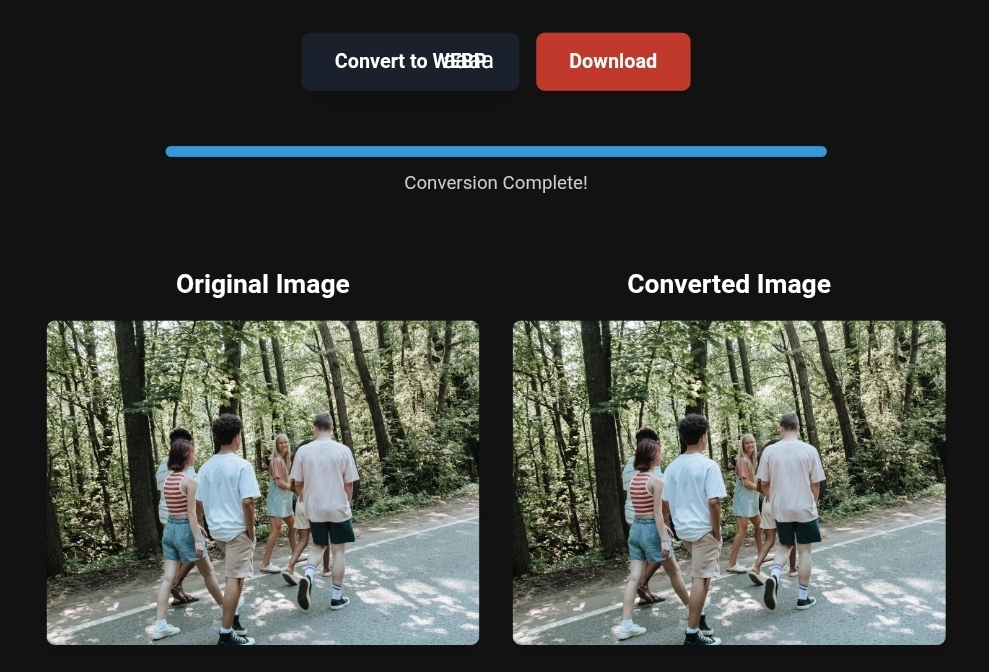
Use instant image conversion tools like toolloopai.com and cloudconvert.com. These tools allow you to convert your images to WebP format within seconds, reducing file size by up to 85% without losing quality.
Practical Tips for Optimizing Sports Travel Images
1. Converting PNG to WebP for Sports Tourism Images
What happens if you skip this step?
A PNG image of a football stadium weighing 5 MB. Imagine you have 30 images on one page. That’s 150 MB needed for a visitor to load your page. The result: the fan will leave before seeing the first image.
The Simple Solution:
- Use toolloopai.com to convert all your PNG images to WebP with a single click.
- WebP quality is similar to PNG but with 70-80% less file size.
- No technical experience needed.
2. Compressing Images for Travel Listings and Offers
The Fatal Mistake in Travel Listings:
When offering a sports tourism package (like attending the Paris Olympics or World Cup matches), the load time of images in these packages is the key factor. A study showed that a one-second delay in loading images decreases conversions by 20%.
The Ready Solution:
Use smart image compression tools like:
- Toolloopai.com offers smart compression that preserves the fine details of crowds and stadiums.
- Cloudconvert allows you to compress multiple images in bulk.
- Target a file size of under 200 KB per image while maintaining a resolution of 1920×1080.
3. Using Multiple Formats: WebP, PNG, JPEG, SVG, Avif
What you need to know about each format:
| Format | Best Use | Relative Size |
|---|---|---|
| WebP | Regular images, stadiums | Very small |
| PNG | Logos, transparent graphics | Large |
| JPEG | Fan and event photos | Medium |
| SVG | Icons, interactive maps | Very small |
| Avif | Latest format, highest compression | Smallest |
The Comprehensive Simple Solution:
Toolloopai.com allows you to convert any image to all these formats for free. Simply upload your image and choose the appropriate format.
Before and After – The Real Impact of Image Optimization
Case Study: A Virtual Sports Tourism Site
Before Optimization:
- Page size: 25 MB
- Load time: 7 seconds
- Bounce rate: 68%
- Monthly bookings: 45 bookings
After Image Optimization (using toolloopai.com):
- Page size: 3.5 MB (86% reduction)
- Load time: 1.8 seconds
- Bounce rate: 32%
- Monthly bookings: 142 bookings (215% increase)
The difference you can see: An optimized image of a football stadium showing intricate details of the grass and stands, but loading in a fraction of a second.
Step-by-Step Guide to Optimizing Sports Tourism Images
Step 1: Convert PNG to WebP for Travel Images
- Open toolloopai.com.
- Upload your PNG images of sports events.
- Choose WebP format and 85% quality.
- Batch download (up to 50 images for free).
Step 2: Compress Images for Mobile Devices
Over 70% of fans book via their phones. So:
- Use the “Optimize for Mobile” feature in toolloopai.com.
- The resulting image will be 750×1334 pixels (ideal for mobile screens).
- File size will not exceed 150 KB.
Step 3: Improve Core Web Vitals and LCP
The Largest Contentful Paint (LCP) metric measures how fast the largest element on a page loads (usually an image). Google requires that LCP be under 2.5 seconds.
The Ready Solution:
- Use WebP or Avif format.
- Enable lazy loading on your site.
- Use a Content Delivery Network (CDN) for distributing images.
Step 4: Add Optimized Alt Text for SEO
Every image needs a text description to help search engines understand it and for accessibility purposes.
Bad example: image123.jpg
Good optimized example: football-fans-world-cup-2026-metropolitano-stadium-excited-fans
Perfect Alt Text Format for Sports Tourism: “[Event type] – [Location] – [Sporting event] – [Prominent feature]”
Example: “Fans-Wimbledon-Tournament-Central-London-Stadium-Excited-Crowd”
What Image Conversion Tools Can’t Do (And What You Need to Know)
The real limitations that promotional sites hide:
- Free conversions aren’t magic: Most free tools place watermarks on your images or deliberately lower quality. toolloopai.com offers free conversions without watermarks, maintaining original 4K quality.
- High compression destroys details: If you compress an image of a fan with a flag at 95%, you’ll lose flag colors and facial details. Solution: Don’t compress beyond 80-85% for images with fine details.
- Conversion tools don’t create content: Even the best-optimized image won’t compensate for bad content or unattractive offers. A good image attracts the visitor, but an excellent offer converts them into a customer.
- Conversion doesn’t automatically improve SEO: You also need to add alt text, optimize file names, and reduce the number of images on each page (recommended maximum: 15 optimized images per page).
Based on the precise data provided, we can define the ideal criteria for selecting the best companies that meet travelers’ needs. The goal is not merely to choose an ordinary service, but to find one that ensures a safe, comfortable, and hassle-free journey.
✅Related Technology: High-Quality Image Capture
If you’re working on digitizing old photos or creating digital assets from film negatives, starting with high-quality scans ensures your final optimized images retain maximum detail.
👉 Check the 22MP Slide Scanner on AliExpress: https://s.click.aliexpress.com/e/_c4VFbg55
✅Are you ready to take your business to the next level? Whether you’re an entrepreneur, small business owner, or digital marketer, there are smart tools that can turn your ideas into real profits!
By integrating high-quality images with a reliable platform like Spocket, you can transform your dropshipping store into a premium shopping experience, increasing your chances of real profits. Don’t waste time searching for complicated solutions—try Spocket now and start offering professional images for your products to ensure your success!
👉 Check supplier requirements on Spocket: https://get.spocket.co/e8z1port3g11
✅Embark on Your Next Adventure with Viator and Start an Unforgettable Journey
Enjoy exceptional travel experiences with Viator, the perfect platform for discovering tours, activities, and adventures around the world. Whether you’re looking for a private tour in new york or an enriching cultural experience, Viator offers everything you need, complete with high-quality images and detailed information to help you savor every aspect of your adventure. With Viator, your dream destinations are just a step away—start your journey now and create memories that will last a: https://www.viator.com/New-York-City/d687-ttd?pid=P00293733&mcid=42383&medium=link
Products are chosen independently by us. Purchases made through our links may earn us a commission at no additional cost to you.
FAQ about Optimizing Images for Sports Tourism
Q: How many images does a successful sports tourism site need? A: Between 30-50 optimized images for the homepage, and 10-15 images per event page. Quality matters more than quantity.
Q: Does image optimization affect my site’s appearance on Google Discover? A: Yes, significantly. Google prefers fast content with well-optimized images. Sites that apply image optimization see a 40-60% increase in visibility on Google Discover.
Q: What’s the best format for fan and crowd images? A: WebP for static images, and Avif if you want the latest technology. Avoid PNG except for logos.
Q: How can I check if my images are properly optimized? A: Use Google PageSpeed Insights or GTmetrix. If the site gives you a score of 90+ in the image section, you’re on the right track.
Q: Are there specific seasons that require different image optimizations? A: Yes. During World Cup or Olympic seasons, mobile search increases by 150%, so focus on mobile image optimization (file size under 150KB) and use WebP exclusively.
Conclusion: A Great Image Equals a Confirmed Booking
In the world of sports tourism marketing, an image isn’t just a digital file. It’s the first impression, the promise of an unforgettable experience, and often the deciding factor that drives a fan to book a ticket or an athlete to choose your training camp.
The real killer is neglecting image optimization. The result: slow websites, high bounce rates, lost bookings, and money down the drain.
The solution is in your hands now:
- Use toolloopai.com to convert and compress all your images.
- Apply the guidelines in this article in just 30 minutes.
- Watch your site’s speed improve and your bookings increase within a week.
Don’t let slow images ruin your sports tourism dream. Start optimizing your images today and see the difference for yourself.
R Hallou | SEO and Image Optimization Expert
Writer at toolloopai.com, specializing in generating and optimizing images using AI for websites and anyone looking to get high-quality images for any activity.
www.toolloopai.com
One Comment