
How to Convert PNG to SVG Without Losing Quality
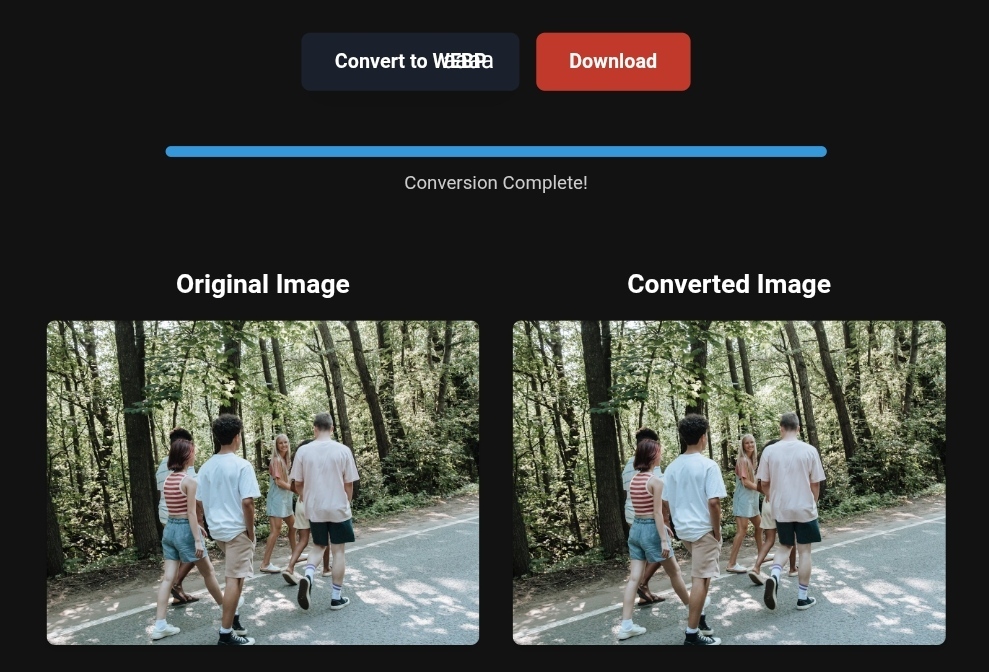
Mountain tour demonstrating image sharpness
How to Convert PNG to SVG Without Losing Quality: Expert Guide for Travelers and Website Owners
Do you remember the moment you found the perfect travel logo or the icon for your dream destination, only to enlarge it for your travel banner and see it turn into a pixelated mess that ruins the design? This is the PNG trap. While PNG is excellent for maintaining transparent backgrounds, it can be a nightmare for large screens and users seeking a smooth visual experience.
In the SEO landscape of 2026, image speed and quality are critical for success. Recent web performance reports show that SVG, WebP, and AVIF formats now lead the pack. If you run a travel website, blog, or e-commerce store, converting PNG images to SVG isn’t just a tech luxury—it’s a must for maintaining visibility on Google Discover and optimizing Core Web Vitals.
In this guide, you’ll not only learn the steps to convert PNG to SVG without losing quality, but also uncover hidden pitfalls that can ruin your images and discover a ready-to-use solution via toolloopai.com to transform your files in seconds.
Why PNG Can Harm Your Travel Site’s Performance (Enter SVG)
Before diving into conversion, let’s understand the equation: why is SVG superior to PNG, especially for travel websites?
Raster images (like PNG, JPG, and GIF) are made of a grid of pixels. On high-resolution displays (Retina or 4K) or when printed on large banners, these pixels stretch and appear blurry—or even distorted. Imagine a mountain map or a travel agency logo: enlarging it even slightly for a website background can erase all the details.
In contrast, SVG (Scalable Vector Graphics) is vector-based and relies on mathematical equations. You can scale the image to the size of a football field, and the edges remain sharp, just as clear as on a mobile screen. Here’s why it matters:
- Faster Loading – SVG files are significantly lighter than high-resolution PNGs. Page speed is a major ranking factor in Google 2026.
- SEO-Friendly – Search engines can read the code inside SVG files. You can embed keywords directly into the image structure—impossible with PNG—boosting your website’s visibility for “high-quality images” or “interactive maps.”
- Flexibility – You can change SVG icon colors with CSS, allowing automatic adaptation to Dark Mode or your brand identity.
Bottom line: If your travel site still relies on PNGs for logos, icons, and graphics, you’re losing both speed and SEO advantages.
The Real Danger: “Fake Conversion” That Ruins Your Images
Here’s the unpleasant surprise. Most free online tools claiming to convert PNG to SVG in a second do only one thing: they wrap the image inside an SVG file.
Instead of converting the image into clean vector paths, these tools convert every PNG pixel into a tiny square inside the SVG. The result? The SVG file becomes larger than the original PNG and looks distorted when scaled—this is the “fake conversion” trap.
To convert PNG to SVG without quality loss, you need a process called vectorization. This redraws your image using smart algorithms, converting curves and gradients into mathematical equations. This requires powerful computing and advanced AI algorithms—not just a one-click upload.
Practical Guide: Getting Perfect SVGs Without Being a Design Expert
You now have two options: spend hours in programs like Adobe Illustrator or Inkscape using the manual Image Trace feature (time-consuming and expert-level), or use a smart solution that saves time and ensures quality.
Option 1: Professional Method (For Designers)
If you’re a graphic designer, open your PNG in Illustrator and access the Image Trace panel. Choose High Fidelity Photo for complex images or Black and White Logo for simple logos. But beware: incorrect settings for Colors Limit or Paths will result in messy, unusable SVGs.
Option 2: Smart Method for Travelers and Website Owners (Recommended)
You don’t need design skills to run a successful website. AI-powered tools like toolloopai.com can handle the conversion for you.
Why toolloopai.com is the ultimate solution:
- Uses machine learning trained on thousands of examples to distinguish edges and color gradients.
- Upload a PNG, and it converts it into a clean vector SVG in seconds.
- Maintains details and sharpness for high-resolution screens.
Pre-Conversion Tips for Maximum Quality in 2026
To get the best results from AI tools like toolloopai, follow these golden rules:
- Upload high-contrast images – The clearer the difference between background and subject, the better the vectorization. Faded images or watercolor gradients may not convert perfectly.
- Avoid complex photos – SVG is not meant for natural images like sunrise landscapes. Use SVG for icons, logos, and illustrations; use WebP or AVIF for photographic content.
- Simplify complexity – Flat illustrations with clear edges are ideal. AI handles them efficiently.
Beyond SVG: The Modern Image Strategy (AVIF & WebP in 2026)
Optimizing images doesn’t stop at SVG. According to 2026 standards, here’s the golden rule for website owners:
- Icons, logos, maps → Use SVG.
- Photographs, products, complex images → Use AVIF first, WebP as fallback. Avoid PNG unless absolutely necessary.
Why?
- AVIF (based on AV1 codec) can reduce file size by up to 50% compared to JPEG while improving quality.
- WebP remains a safe choice with support in over 97% of browsers.
With toolloopai.com, you can convert not only PNG to SVG but also your entire image library to WebP and AVIF, ensuring excellent Core Web Vitals performance—especially Largest Contentful Paint (LCP)—which Google values highly in 2026.
Based on the precise data provided, we can define the ideal criteria for selecting the best companies that meet travelers’ needs, ensuring a safe, comfortable, and hassle-free journey.
✅Related Technology: High-Quality Image Capture
If you’re working on digitizing old photos or creating digital assets from film negatives, starting with high-quality scans ensures your final optimized images retain maximum detail.
👉 Check the 22MP Slide Scanner on AliExpress: https://s.click.aliexpress.com/e/_c4VFbg55
✅Are you ready to take your business to the next level? Whether you’re an entrepreneur, small business owner, or digital marketer, there are smart tools that can turn your ideas into real profits!
By integrating high-quality images with a reliable platform like Spocket, you can transform your dropshipping store into a premium shopping experience, increasing your chances of real profits. Don’t waste time searching for complicated solutions—try Spocket now and start offering professional images for your products to ensure your success!
👉 Check supplier requirements on Spocket: https://get.spocket.co/e8z1port3g11
✅Embark on Your Next Adventure with Viator and Start an Unforgettable Journey
Enjoy exceptional travel experiences with Viator, the perfect platform for discovering tours, activities, and adventures around the world. Whether you’re looking for a private tour in new york or an enriching cultural experience, Viator offers everything you need, complete with high-quality images and detailed information to help you savor every aspect of your adventure. With Viator, your dream destinations are just a step away—start your journey now and create memories that will last a: https://www.viator.com/New-York-City/d687-ttd?pid=P00293733&mcid=42383&medium=link
Products are chosen independently by us. Purchases made through our links may earn us a commission at no additional cost to you.
FAQ
Q: Does converting PNG to SVG reduce image quality?
A: No. Proper vectorization keeps edges sharp at any size. The only risk is using fake conversion tools that turn pixels into squares instead of paths. AI-powered conversion solves this.
Q: Can I convert a selfie or portrait to SVG?
A: Technically yes, but practically no. SVG is best for geometric shapes, logos, and graphics. Complex color gradients in personal photos can result in cartoon-like images. Use AVIF or WebP instead.
Q: What is an ideal SVG file size for travel sites?
A: Smaller is better. Simple icons should be 2–5 KB. If your SVG is large, ensure it contains no hidden raster data.
Author Bio:
R Hallou | SEO & Web Performance Strategist
A key contributor at toolloopai.com, R Hallou specializes in integrating AI into digital workflows to enhance user experience and search engine rankings.
Website: www.toolloopai.com
One Comment