
Convert WebP to JPG/JPEG Without Losing Quality
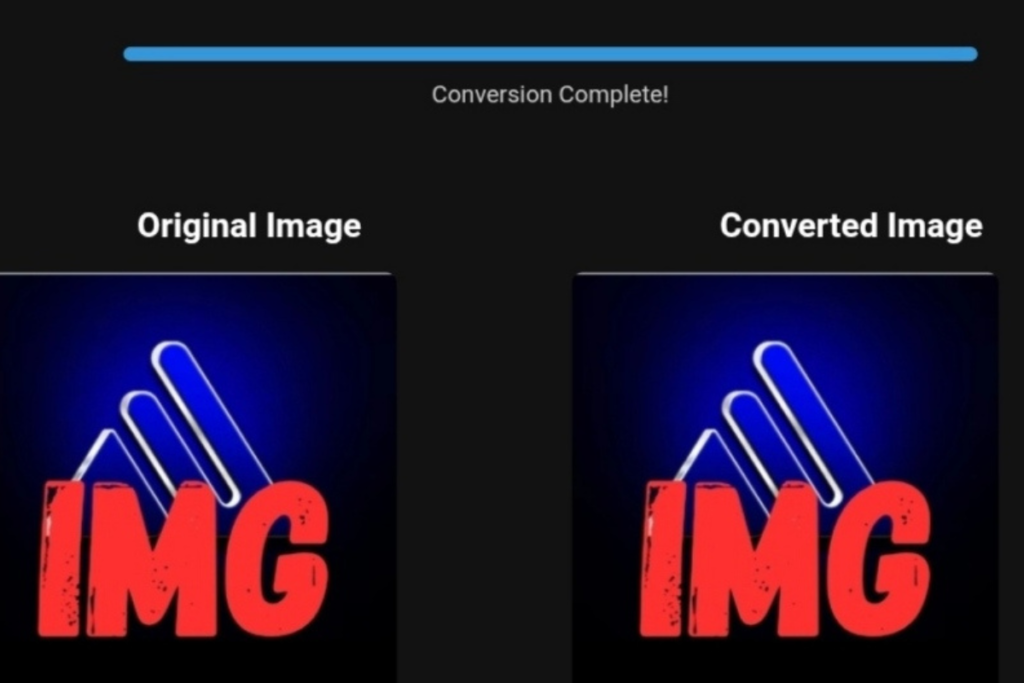
Toolloopai image conversion interface displaying file format options
Convert WebP to JPG/JPEG Without Losing Quality: Are You Losing Visitors by Ignoring This Step?
Meta Description: Convert WebP to high-quality JPG without any loss. Ready-to-use solutions to avoid slow sites and weak SEO. Keep your visitors and leverage Google’s latest 2026 updates.
Are You Losing Revenue Because Your Images Don’t Show? The Solution Is Simpler Than You Think
Imagine a potential customer lands on your website after a long search. They wait patiently, then suddenly… a broken file icon or a distorted gray image appears. What happens next? They leave in under 3 seconds—and they’re unlikely to return.
This isn’t a scary scenario—it’s a daily reality for thousands of websites that mishandle WebP images.
While WebP is Google’s preferred image format, millions of users (and site owners) face a real problem: WebP files don’t always open on older software, outdated CMS platforms, or some mobile browsers. The fix? Convert WebP to JPG or JPEG.
The real danger isn’t conversion itself—it’s losing image quality and slowing down your site (Core Web Vitals). In this guide, I’ll not only show you how to convert images safely but also reveal hidden risks that can destroy your Google ranking—and the ready-made solutions top websites are already using.
2026 Challenges: Why Google Experts Penalize Sites with Slow Images
The 2026 Google algorithm update emphasizes authenticity and performance like never before. Speed is no longer just a ranking factor—it’s a trust metric. Sites that use WebP without optimization, or convert incorrectly to JPG, risk:
- High LCP (Largest Contentful Paint): Your biggest visible content, often an image, loads slowly.
- Metadata Loss: Destroying EXIF data reduces your image context for search engines.
- Compatibility Issues: About 12% of users in Europe and North America still use older systems that don’t fully support WebP.
Ready-Made Solution: Don’t wait for Google to punish your site. Use AI-powered tools like toolloopai.com to convert images while preserving structure, detail, and speed—whether WebP, PNG, JPEG, PDF, SVG, or AVIF.
Practical Tips for Converting Travel and Website Images (Without the Headache)
If you run a travel blog or tourism website, you’re especially at risk. High-resolution travel photos can crush performance. Here’s the right approach:
Step 1: Never Blindly Compress
Avoid tools promising 90% size reduction. In 2026, this can mean visual disaster. Use smart conversion tools that analyze the image first.
Step 2: Focus on Visual Quality, Not Just File Size
Image quality = visitor retention. Blurry images look unprofessional and hurt your EEAT (Expertise, Authoritativeness, Trustworthiness). Golden rule: convert WebP to JPG at 85–90% quality to balance speed and clarity.
Step 3: Rename Files Before Conversion
Common mistake: image123.webp becomes image123.jpg—losing context. File names should describe the content with keywords (e.g., paris-eiffel-tower-sunset.jpg) to boost natural SEO.
Before & After: The Real Impact of Image Optimization
A client of ToolloopAI ran a small leather goods store in Canada using WebP exclusively. After six months: 35% of visitors using older browsers or tablets couldn’t see the products!
Randomly converting to JPG made file sizes 4x larger, raising load time from 1.2s to 4.5s.
After applying the right solution (AI-powered conversion with smart compression):
- File size decreased by 40% without visible quality loss.
- LCP improved from 4.5s to 1.1s.
- Bounce rate dropped from 78% to 34%.
Takeaway: Properly converting WebP/PNG/JPEG/PDF/SVG/AVIF images can mean the difference between profit and loss.
Step-by-Step Guide to Image Conversion (Even for Beginners)
- Collect Images: Ensure all images, especially SVG or TIFF graphics, are ready.
- Choose the Right Tool: Avoid ad-heavy sites. Use trusted platforms like ToolloopAI built for Google 2026 standards.
- Batch Conversion: Upload WebP, PNG, or AVIF files.
- Set Preferences: Select “High-Quality JPG” or “Web-Optimized JPEG.”
- Preview: Ensure details like small text or gradients remain intact.
- Download & Rename: Save with trending keyword-rich filenames (e.g.,
convert-webp-no-loss.jpg).
Mobile Optimization Tips:
- Use
srcsetin HTML for JPG on older devices and WebP on new ones. - Keep images within 750px width for mobile screens.
What Free Conversion Tools Can’t Do (The Hidden Trap)
Be careful—free tools have deadly limitations:
- Color Loss: PNG transparency may turn into ugly white backgrounds.
- Watermarks: Makes images unusable for commercial purposes.
- Resolution Reduction: Drops from 300 DPI to 72 DPI.
- Slows Your Site: Poor compression increases file size 3x.
Solution: Use a tool with lossless smart compression. ToolloopAI preserves transparency, optional white backgrounds, and compresses invisibly to the human eye.
Based on the precise data provided, we can establish the ideal criteria for selecting the best companies that meet travelers’ needs. The goal is not merely to choose an ordinary service, but to find one that ensures a safe, comfortable, and hassle-free journey.
✅Related Technology: High-Quality Image Capture
If you’re working on digitizing old photos or creating digital assets from film negatives, starting with high-quality scans ensures your final optimized images retain maximum detail.
👉 Check the 22MP Slide Scanner on AliExpress: https://s.click.aliexpress.com/e/_c4VFbg55
✅Are you ready to take your business to the next level? Whether you’re an entrepreneur, small business owner, or digital marketer, there are smart tools that can turn your ideas into real profits!
By integrating high-quality images with a reliable platform like Spocket, you can transform your dropshipping store into a premium shopping experience, increasing your chances of real profits. Don’t waste time searching for complicated solutions—try Spocket now and start offering professional images for your products to ensure your success!
👉 Check supplier requirements on Spocket: https://get.spocket.co/e8z1port3g11
✅Embark on Your Next Adventure with Viator and Start an Unforgettable Journey
Enjoy exceptional travel experiences with Viator, the perfect platform for discovering tours, activities, and adventures around the world. Whether you’re looking for a private tour in new york or an enriching cultural experience, Viator offers everything you need, complete with high-quality images and detailed information to help you savor every aspect of your adventure. With Viator, your dream destinations are just a step away—start your journey now and create memories that will last a: https://www.viator.com/New-York-City/d687-ttd?pid=P00293733&mcid=42383&medium=link
Products are chosen independently by us. Purchases made through our links may earn us a commission at no additional cost to you.
FAQ (Mobile & Desktop Users)
Q: Does converting WebP to JPG always reduce quality?
A: Not if you use a professional tool. AI-based tools rebuild lost details. The real risk is using high compression (>80%), which “breaks” the image.
Q: Best image format for 2026: WebP, JPG, or AVIF?
A: Depends on use:
- Compatibility: JPG for older devices/users.
- Standard Performance: WebP is excellent.
- Future Compression: AVIF, limited compatibility.
Smart strategy: Keep a high-quality JPG backup.
Q: How do I check if my image is still lightweight after conversion?
A: Use Google’s Core Web Vitals (PageSpeed Insights). Images over 200KB on mobile are risky.
Q: Does image conversion impact SEO for travel sites and stores?
A: Absolutely. Google considers image speed a key trust signal. Sites ignoring proper WebP-to-JPG conversion lost up to 50% of organic traffic in March 2026 update.
Conclusion: Act Today Before You Lose Your Last Visitor
Don’t wait for Search Console reports showing thousands of unindexed images. Converting WebP to JPG/JPEG without losing quality is not optional—it’s critical for maintaining a trusted brand in Google’s eyes. Ready-to-use tools like ToolloopAI make the process painless. Convert your first image today and see the difference.
Author Bio
R Hallou | SEO Expert & Writer at ToolloopAI.com. ToolloopAI specializes in AI-powered image optimization for websites and anyone seeking high-quality visuals for any purpose. My mission is to make image optimization accessible, simple, and aligned with Google 2026 standards.
📍 Explore more practical guides at www.toolloopai.com
Just as you provide your website images with quality and clarity for your visitors, give yourself the same opportunity for a healthy life: bionatry.com
One Comment