
Tourism Photography on Social Media: How It Helps Spread Travel Culture
Tourism Photography on Social Media: How It Helps Spread Travel Culture
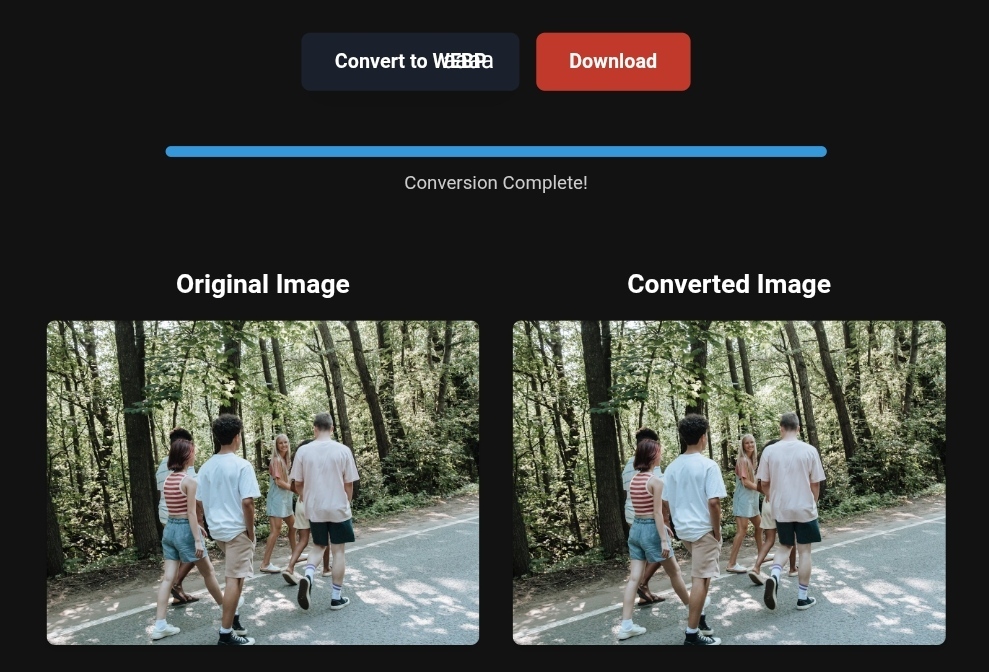
Vibrant forest landscape with lush greenery, converted from PNG to WebP for faster website loading.
Did you know that more than 55% of the top-ranking tourism keywords on Google’s first search results page today lead to an “AI Overview”? This means that travel decisions are no longer solely based on what you write, but on what search engines see in your images.
In a highly competitive environment like tourism and travel, neglecting to optimize your images on social media is not just a minor marketing mistake—it’s a serious risk that threatens your visibility in 2026 search results. If your images aren’t “understood” by AI, you’re losing travelers to your competitors.
In this guide, I won’t just give you theoretical steps; I’ll reveal the real threats you face if you ignore this aspect and provide ready-to-use solutions that you can implement immediately using tools like toolloopai.com and cloudconvert.
🚨 Why Ignoring Image Optimization Can Destroy Your Travel Visibility?
1. Losing the “New Travel Gateway”: AI Reads Your Images
According to a 2026 Propellic report, AI interfaces have now become the new gateway for travelers, surpassing traditional SEO strategies. The danger isn’t that your competitors write better content, but that Google’s algorithms (like Gemini) can now identify hotel amenities (like a pool bar or panoramic views) just by analyzing images and videos, even if these aren’t mentioned in the text.
What happens if you ignore this?
AI will read your competitor’s images, recognize them as offering a “romantic view” or a “happy family,” and recommend those instead of yours. You have the service, but your images aren’t speaking the machine’s language.
2. Visual Theft and Loss of Identity
In March 2026, Google released an update that shook the tourism content industry. They found that 80% of top-ranking results changed, with more than 24% of pages that were previously in the top ten disappearing completely. This update severely punishes shallow or rewritten content. Blurry or inauthentic travel images won’t make it. Google now penalizes “stock photo penalties” because its algorithms recognize generic, repetitive images.
3. Direct Booking Losses
Unoptimized travel images = slow load speed. Here’s a critical detail: if your images take more than 2.5 seconds to load, visitors will bounce before they even see your offer. Google directly links image load speed (Core Web Vitals) to conversion rates. Every 5MB uncompressed image means you’re losing a potential confirmed booking.
🛠️ Ready-to-Apply Solutions – How to Turn Your Photos into a Travel Booking Machine?
To avoid these risks, you don’t need to be a programming expert. You just need smart tools and a clear plan. Here are the ready-to-use solutions you can implement in less than 10 minutes.
1. Smart Conversion to WebP (The Magic for Speed)
The biggest mistake tourism marketers make is uploading large PNG or JPEG images directly. This kills user experience and reduces your ranking in Google Discover.
The solution: Use modern image converters.
- The magic recipe for fast travel images: Convert all your images from PNG or JPEG to the modern WebP or AVIF formats. These formats reduce file size by 30% to 80% without losing quality.
🔧 Suggested Tools (Natural Integration):
- Use toolloopai.com if you’re looking for an integrated solution that uses AI to enhance images while preserving the vibrant colors of landscapes and beaches.
- Use cloudconvert as a free, fast option to convert PNG to WebP for everyday users.
2. “Machine Readable” Data: Alt Text and Captions
If you leave your image file name as IMG_1295.jpg, Google has no idea if it’s the “Eiffel Tower” or “Italian Pizza.” The risk: Your images get lost in the vast ocean of the internet.
Ready-to-use solution: Before uploading, rename the file to describe exactly what the traveler is seeing, using tourism-related keywords.
- Instead of: beach.jpg
- Write: sharm-el-sheikh-family-beach-resort-red-sea.webp
Alt Text: This is a description for the visually impaired, but it’s also an ID card for search engines. Write a precise, descriptive sentence that includes the location and activity.
3. Turn Images into “Structured Data” (Schema Markup)
This is the highest level of image optimization, setting professionals apart from amateurs. If you upload 100 stunning photos without a “schema,” you’re at risk of AI ignoring them because they don’t tell the machine what to do.
Ready-to-use solution: Use schema generation tools to add metadata to your images that specify they are:
- ImageObject
- Location (geographic)
- AmenityFeature (e.g., pool, view, restaurant)
💡 Expert Tip: If you’re using WordPress, there are free plugins that do this with one click. Make sure to activate them.
📈 Before and After – The Real Impact of Image Optimization
Let’s see the difference these simple steps make:
| Without Image Optimization | After Using WebP and Compression (via toolloopai) |
|---|---|
| File Size: 4.5 MB (takes 3 seconds to load) | File Size: 450 KB (takes 0.3 seconds) |
| AI Understanding: “Blue Waterway” (unclear) | AI Understanding: “Family Resort in Marsa Alam with Reflective Pool” |
| Bounce Rate: Very high (visitors get bored waiting) | Bounce Rate: Very low (smooth experience) |
| Google Visibility: Doesn’t appear in the “Image Pack” | Google Visibility: Appears at the top of image results and Google Discover |
🧠 What Image Converters Can’t Do (Real-World Limitations)
While tools solve the size and format issue, there’s something they can’t do for you: authenticity.
In 2026, the E-E-A-T standard (Experience, Expertise, Authoritativeness, Trustworthiness) is the dividing line.
- Risk: Converting a stock image to WebP will make it fast, but it won’t get bookings. Google sees it as a fake image.
- Simple Solution: Take real photos. Use your mobile phone to capture a genuine moment in an airport or hotel. Authentic images that show the “human touch” now outperform cold professional images. Use conversion tools to enhance the quality of the real picture, not to create an illusion.
❓ FAQs
Q: Does converting images to WebP affect their quality on Instagram or Facebook?
A: Quite the opposite. WebP maintains high visual quality with a smaller size. However, social platforms often re-compress images. It’s better to upload PNG images on social media for high quality but use WebP on your website for faster loading.
Q: How do I know if my image is compressed enough without becoming ugly?
A: Use the 80/20 rule. Aim for images to be under 200KB for standard photos and under 500KB for panoramic images. Tools like toolloopai give a preview of your image before and after compression.
Q: What’s the difference between SEO and GEO in the context of tourism images in 2026?
A: SEO used to focus on the keywords users typed in. GEO optimization now focuses on how well AI understands your content (your images and formats) to use in answering travel queries in natural language. Your images are now part of the conversation.
✅ Embark on Your Next Adventure with Viator and Start an Unforgettable Journey
Looking to explore exciting destinations? Viator is the perfect platform for discovering world-class tours and activities. Whether you’re interested in a private tour of New York or an enriching cultural experience, Viator provides you with exceptional travel experiences, complete with high-quality images and detailed information to help you enjoy every aspect of your adventure. Start your journey now and create unforgettable memories: Viator New York Tours
✅ Related Technology: High-Quality Image Capture
If you’re looking to preserve your travel memories or digitize old photos, having high-quality scans is essential. With the 22MP Slide Scanner from AliExpress, you can ensure that your scanned images retain maximum detail. Check it out here: 22MP Slide Scanner on AliExpress
✅ Take Your Business to the Next Level with Spocket
Ready to scale your dropshipping business? Whether you’re an entrepreneur, small business owner, or digital marketer, integrating high-quality images with a reliable platform like Spocket can transform your store into a premium shopping experience. Start offering professional images for your products and boost your chances of success: Check Supplier Requirements on Spocket
✍️ About the Author
R Hallou | SEO and Generative Engine Optimization (GEO) Strategy Expert. Writer and Analyst at toolloopai, a platform specializing in AI-powered image generation and enhancement for websites and anyone looking to create high-quality images for tourism or business activities.
To learn more about turning your photos into profitable digital assets, visit www.toolloopai.com.
Note: Products are chosen independently by us. Purchases made through our links may earn us a commission at no additional
One Comment