
Why Losing Image Quality Could Cost You the Dream of Digital Fame
Hikers on a scenic mountain trail, taking in breathtaking panoramic views of the valley.
Travel Photography: Why Losing Image Quality Could Cost You the Dream of Digital Fame
Did you know that today’s traveler trusts the images they see on a screen more than the written descriptions, even before booking a hotel room or buying a plane ticket?
We live in an era of “visual proof.” By 2026, travel images have evolved from simple keepsakes to the primary sales tool—they’re your ticket into search engines and sometimes the only thing standing between your marketing campaign’s success or its disappearance into the sea of digital content.
But what if all the effort you put into capturing these stunning images goes unnoticed? What if your high-quality photos look fantastic on your phone but become slow-loading nightmares, distorting on your website?
In this guide, I’m not just going to offer you “nice tips” for improving your images. I’ll highlight hidden risks that could destroy your digital visibility and cost you thousands of visitors, alongside ready-to-apply solutions that will help you outshine your competitors.
Why Image Optimization Matters for Travelers (Beyond Just “Beauty”)
When we talk about travel images, we’re not just discussing art; we’re diving into digital psychology and website speed engineering.
1. The “Visual Boredom Trap”: How to Lose a Visitor in 3 Seconds
In the travel world, emotion fuels decision-making. If your images are slow to load due to large file sizes or distorted because of incorrect formatting, you’re killing that emotional spark. Studies show that 40% of users abandon a website if images take more than 3 seconds to load. That means you’re losing potential bookings because the professional shot you took on your camera weighs 5MB!
2. AI Now Reads Images (Not Just Text)
Google’s February 2026 updates have completely changed the game. It’s no longer enough to rely on alt text alone. AI, like Google Lens—which processes over 20 billion visual searches each month—is now capable of “seeing” what’s in the image.
If your images are unclear or poorly formatted, AI will consider them low-quality content and won’t show them to users searching for “private beach serenity.”
3. Losing Ground on Google Discover
Google Discover is the curated content feed users see on their phones before even searching for something. For travelers, it’s a powerful tool for discovering destinations. But after the February 5, 2026 update, Google severely penalizes misleading, low-quality images or clickbait titles. If your images don’t meet the technical standards (at least 1200px wide), you’re out of the running for this huge traffic opportunity.
The Hidden Dangers That Are Killing Your Travel Site’s Performance
1. The “PNG Speed Killer”
Many photographers insist on uploading images in PNG format, thinking it’s the best choice. This is a huge mistake. While PNG is great for logos and graphics, it’s disastrous for photographic images. The file sizes are too large, slowing down page load times and negatively impacting the LCP (Largest Contentful Paint), a crucial ranking factor for Google search.
Scary Scenario:
A beautiful sunset photo in PNG format, weighing 4MB. Your site slows down. A potential customer from Europe leaves to book another hotel. You’ve just lost a client because you didn’t understand file formats.
2. Ignoring Google Discover Standards 2026
Noticed a sudden drop in mobile traffic to your site? You might be a victim of the Google Discover Core Update. Experts now say Google prioritizes “original” and “high-quality” visual content. If you’re using stock images or blurry photos, the algorithm considers your site untrustworthy and won’t display it in suggestions.
3. Ignoring the “Big Image” Standards
There’s a small but powerful technical tag: max-image-preview:large. Without adding this simple code to your site, Google won’t display your images prominently in Discover, which can reduce your click-through rate (CTR) by as much as 45%. This is a huge opportunity wasted due to a simple technical oversight.
Ready-to-Apply Solutions: How to Turn Image Catastrophes into Travel Wins
Don’t worry—the solutions here are simple, fast, and don’t require you to be a coding expert.
🛠️ Solution 1: Smart Conversion (Goodbye PNG, Hello WebP and AVIF)
The shocking truth of 2026: WebP and AVIF are the future of the web.
- What does WebP do? Compresses images 25-35% smaller than PNG without losing quality.
- What does AVIF do? The latest and most powerful format, offering 50% smaller file sizes than JPEG!
Action Plan:
Never upload another PNG travel photo again without converting it first. Use tools like CloudConvert for fast and accurate conversion, or try Toolloopai, which specializes in AI-powered image optimization to convert your entire image library in bulk.
Goal:
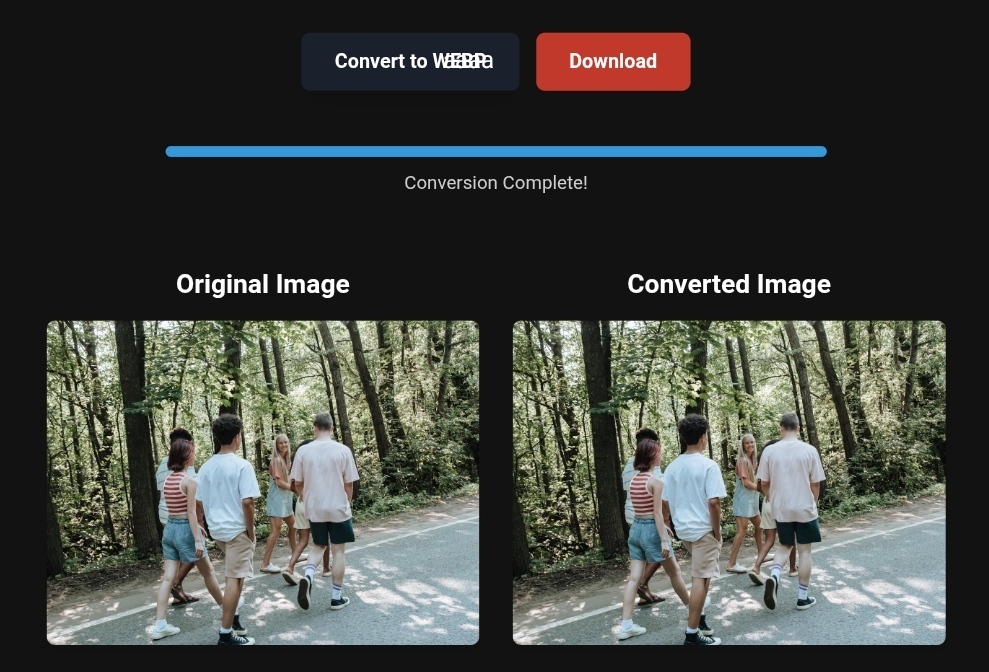
Convert all PNG images to WebP to reduce file size and improve site speed.
🛠️ Solution 2: Smart Image Compression (Without Losing the Sparkle)
Compression doesn’t mean “destroying quality.” There’s both Lossy and Lossless compression. For travel photos, you can reduce quality to 85% without the human eye noticing any difference, while cutting the file size in half.
Action Plan:
Use auto-compressing tools that optimize your images according to Core Web Vitals standards. Ensure that the image displayed on mobile is not the same size as on large desktop screens. Use the srcset HTML feature to serve the right size for each device.
🛠️ Solution 3: Add Local SEO Touches (Local Image SEO)
To leverage Google Discover’s focus on local content, your images should carry geographic data (geotagging).
Action Plan:
Add the shooting location’s coordinates to your image data (EXIF). This sends a strong signal to Google that the image belongs to this location, increasing the chances of appearing when someone searches for “best places in [your city].”
Practical Application:
| Problem | Solution | Impact on Tourism |
|---|---|---|
| A 5MB restaurant photo | Convert it to WebP, 300KB | 80% faster load + reduced bounce rate |
| A blurry Quranic image | Add rich Alt Text with keywords | Appear in image search results for “religious tourism” |
| A distorted hotel photo | Convert to 16:9 aspect ratio, 1200px wide | Eligibility for Google Discover |
Before and After: Real Impact on Travel Sales
Let’s talk numbers.
- Before Optimization:
High-res PNG image. Page load time: 5 seconds. Bounce rate: 80%. No Google Discover visibility. - After Optimization:
Same image converted (PNG to WebP), compressed, and geotagged. Page load time: 1.2 seconds. Bounce rate: 30%. Google Discover visibility: Now a daily traffic source.
When your site’s speed improves and your images become appealing, meeting search engine standards, Google starts trusting you. And when Google trusts you, it sends travelers your way for free.
Step-by-Step Guide to Transform Your Travel Images (Even If You’re a Beginner)
Here’s your roadmap to transforming your travel images today:
- Inventory Your Photos:
Go to the most visited pages on your destination site (e.g., “Palm Beach” or “Luxury Hotel”) and identify heavy images. - Choose the Tool:
You don’t need Photoshop. Upload images to Toolloopai (for AI-enhanced optimization) or use CloudConvert for fast conversion. - Convert:
Select WebP as the final output format. Set quality to 80-85%. - Re-upload:
Replace old PNG files on your site with the new WebP versions (don’t forget to delete the old ones). - Technical Update:
Go to your site’s settings and add this magic code:<meta name="robots" content="max-image-preview:large"> - Check Results:
Use Google Search Console to monitor the rise in image visibility on Discover.
What Image Conversion Tools Can’t Do
Be realistic. Even the best conversion tools can’t solve bad content issues.
Tools are great for making images faster and lighter, but they won’t make a poorly composed image look professional, nor will they turn an ordinary scene into a tourist hotspot.
If your original image is blurry or dull, WebP won’t turn it into a masterpiece. The golden rule: Start with high-quality shots (good camera, excellent lighting), then enhance them with technical optimization.
FAQs About Travel Image Optimization
Q: Is using stock images bad for SEO?
A: Yes, especially after the 2026 update. Discover algorithms favor “original” images. If 100 other websites use the same stock image, it signals to Google that you lack field expertise (E-E-A-T), lowering trust.
Q: What’s the best image format for 2026?
A: AVIF is technically the best, but WebP is currently the safest and most compatible. Use WebP with JPEG as a fallback for very old browsers.
Q: How do I know my images are too slow?
A: Use Google PageSpeed Insights. If it tells you “images are causing slow load,” or if your “LCP” (Largest Contentful Paint) score is low, it’s a clear sign you need to compress and convert your images right away.
R Hallou | SEO Expert, Writer at Toolloop AI
Visit Toolloop AI for more on image optimization.
One Comment