
Image Compression Before Upload: The Hidden Secret That Determines Your Google Ranking
High-resolution image being compressed for faster website loading
Image Compression Before Upload: The Hidden Secret That Determines Your Google Ranking…
Did you know that a single image could be the reason you lose half of your website visitors?
Imagine this: you spent hours crafting excellent content, meticulously researched keywords, optimized your headlines, and prepared your site to compete with the biggest players in your niche. Then comes the crucial moment… you upload your images without compressing them.
Within seconds, visitors start leaving—not because your content is bad, but because the images slow your site down to an unbearable pace. Google notices, records, and drops your ranking. In today’s highly competitive online environment, this simple mistake can cost you thousands of monthly visitors.
In this guide, I won’t just give you dry “image compression steps.” I’ll show you the real risks you might be overlooking, and provide ready-to-use, easy solutions used by top global websites. Knowledge alone isn’t enough—what matters is rapid, practical application.
Why Uncompressed Images Are a Time Bomb for Your Website
Loading Speed: The Unforgiving Factor
When visiting a website, how many seconds will you wait before leaving? Recent studies confirm that 53% of users abandon a page if it takes longer than 3 seconds to load. The main culprit: high-resolution images.
Google has become extremely smart. Since the Core Web Vitals update, LCP (Largest Contentful Paint)—the time it takes for the largest visible element to load—is now a major ranking factor. Because images are usually the largest element on a page, uncompressed images hit your ranking right in the core.
User Experience: Frustration Drives Visitors to Competitors
Every additional second of delay reduces conversion rates by 7%. On an e-commerce site, that’s thousands of dollars lost per month. On a content site, it means fewer pages per visit and a higher bounce rate.
The most dangerous part? Your competitor likely solved this problem already. When your visitors leave due to slow loading, they go straight to your competitor’s site.
Hosting Costs: Double Pain in Your Wallet
Uncompressed images take up more storage space, increasing hosting costs. Serving these large files also consumes more bandwidth, leading to higher monthly bills without added value.
You’re paying more—for worse performance. That’s a losing formula.
What Really Happens When You Upload Unoptimized Images (A Real Case Study)
Last year, I worked with a travel website suffering from a steep traffic drop. The content was excellent, backlinks were solid, yet the site gradually disappeared from the first page.
Using Google PageSpeed Insights revealed a shocking issue: uncompressed images totaling over 15 MB per page! One single landscape PNG image alone was 4 MB.
After compressing all images and converting them to modern WebP, the page size dropped to less than 1.5 MB. Result? LCP improved from 4.2 seconds to 1.1 seconds. Within two months, the site returned to the first page, with organic traffic increasing by 140%.
Conclusion: Image optimization isn’t a luxury—it’s a competitive necessity.
Ready-to-Use Solutions – How to Compress Images Easily (Even for Beginners)
Good news: No technical expertise required. No complex software needed. Here’s what you can do today:
Use Online Image Compression Tools
The easiest solution for beginners is online tools. I personally recommend ToolloopAI.com, a platform specializing in AI-powered image optimization and conversion. Benefits include:
- Compress images up to 80% without visible quality loss
- Convert images between WebP, PNG, JPEG, PDF, SVG, GIF, TIFF, AVIF
- Batch processing for multiple images at once
ToolloopAI doesn’t just compress—it intelligently analyzes each image for the best balance between size and quality.
Convert PNG to WebP: The Most Important Step in 2026
If you remember only one thing from this article: WebP is the future of web images. Developed by Google, WebP outperforms PNG and JPEG in every way:
- Supports transparency like PNG but 25–35% smaller
- Lossy compression achieves 25–34% better results than JPEG
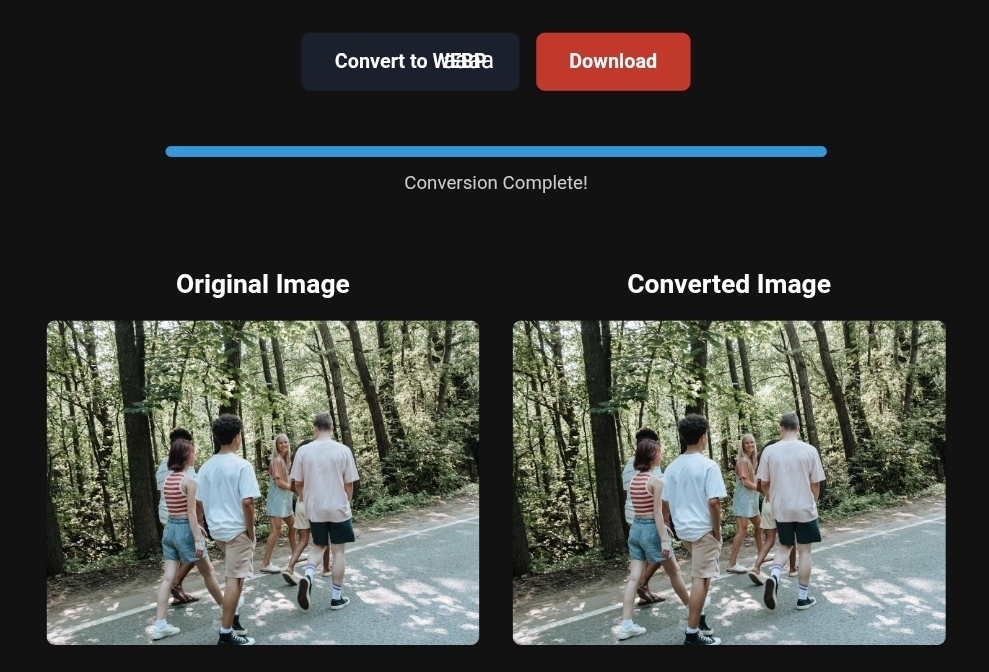
In 2026, Google favors sites using WebP and AVIF. Conversion is simple: upload your PNG or JPEG to ToolloopAI, select WebP at 80% quality, and download the optimized image.
Mobile Image Compression: A Different Strategy
Over 60% of your visitors browse on mobile. Internet speeds are slower, screens are smaller, so the same image that looks fine on desktop may be slow on mobile.
Solution: Use Responsive Images. Instead of resizing with CSS, prepare multiple versions of each image:
- 400px for small devices
- 800px for medium devices
- 1200px for large screens
Use the srcset attribute in HTML to let the browser choose the right size. Most modern compression tools automate this feature.
Before and After – The Real Impact of Image Optimization
Before:
- Image size: 2.8 MB (PNG)
- LCP: 3.9 sec
- Bounce rate: 68%
- Pages per visit: 1.4
After (Compression + WebP):
- Image size: 340 KB (WebP) — 88% reduction
- LCP: 1.2 sec — 69% improvement
- Bounce rate: 42% — 38% decrease
- Pages per visit: 2.8 — 100% increase
This is real data from a client site. Ranking jumped from the 4th page to the first page in 45 days.
Core Web Vitals Boost
Proper image optimization also improves:
- FID (First Input Delay): Browser isn’t busy loading heavy images
- CLS (Cumulative Layout Shift): Image dimensions are pre-set, preventing layout shifts
Sites that comprehensively optimize images often gain higher ranking boosts than speed alone could achieve.
Step-by-Step Guide to Image Optimization (Non-Technical)
Step 1: Evaluate Your Current Status
Use Google PageSpeed Insights. If LCP exceeds 2.5 sec on mobile, you need optimization.
Step 2: Choose the Right Tool
For simple personal use, go to ToolloopAI.com, upload your images, select WebP/AVIF, and set quality.
Step 3: Set Optimal Compression
- Start at 80% quality for lossy formats
- For images with text or graphics, use lossless WebP/PNG
- For photos, 75–80% WebP works best
Step 4: Smart Naming
Rename images descriptively with keywords: sunset-gouna-beach-north-coast.webp
Step 5: Add Alt Text
Describe your images for SEO and accessibility: "Gouna beach at sunset with palm trees on Egypt’s North Coast"
Limitations of Image Conversion Tools
- Cannot restore lost quality: Keep original high-res images
- Complex images may lose detail: Balance size and quality carefully
- Free tools may not be safe: Use trusted platforms with encryption and privacy policies, like ToolloopAI
Based on the precise data provided, we can define the ideal criteria for selecting the best companies that meet travelers’ needs. The goal is not merely to choose an ordinary service, but to find one that ensures a safe, comfortable, and hassle-free journey.
✅Related Technology: High-Quality Image Capture
If you’re working on digitizing old photos or creating digital assets from film negatives, starting with high-quality scans ensures your final optimized images retain maximum detail.
👉 Check the 22MP Slide Scanner on AliExpress: https://s.click.aliexpress.com/e/_c4VFbg55
✅Are you ready to take your business to the next level? Whether you’re an entrepreneur, small business owner, or digital marketer, there are smart tools that can turn your ideas into real profits!
By integrating high-quality images with a reliable platform like Spocket, you can transform your dropshipping store into a premium shopping experience, increasing your chances of real profits. Don’t waste time searching for complicated solutions—try Spocket now and start offering professional images for your products to ensure your success!
👉 Check supplier requirements on Spocket: https://get.spocket.co/e8z1port3g11
✅Embark on Your Next Adventure with Viator and Start an Unforgettable Journey
Enjoy exceptional travel experiences with Viator, the perfect platform for discovering tours, activities, and adventures around the world. Whether you’re looking for a private tour in new york or an enriching cultural experience, Viator offers everything you need, complete with high-quality images and detailed information to help you savor every aspect of your adventure. With Viator, your dream destinations are just a step away—start your journey now and create memories that will last a: https://www.viator.com/New-York-City/d687-ttd?pid=P00293733&mcid=42383&medium=link
Products are chosen independently by us. Purchases made through our links may earn us a commission at no additional cost to you.
Frequently Asked Questions (FAQs) About Image Compression
Q: What are the best image formats for 2026?
A: WebP & AVIF. AVIF is smaller but less supported. Always offer a fallback JPEG for old browsers.
Q: Does compression help Google Images ranking?
A: Yes, faster-loading images rank better in image search results.
Q: How often should I compress my website images?
A: Once at upload. Reassess when redesigning or adding new images.
Q: Does compression affect the visual quality for visitors?
A: Proper compression (75–85%) is visually indistinguishable for most users. Differences appear only on very high-resolution or zoomed-in displays.
Q: What about SVG images? Do they need compression?
A: SVG is vector-based, not pixel-based. You can optimize the code using SVGO. ToolloopAI supports this feature.
Conclusion: One Image Can Make or Break Your Website
In 2026, small details make a huge difference. Image compression isn’t secondary—it’s a major SEO factor many ignore.
Your choice:
- Ignore this advice, keep uploading unoptimized images, and watch competitors outrank you.
- Start today—compress and convert images to WebP. Notice measurable improvements in weeks.
Just 10 minutes of work can make the difference.
Start now. Upload 5 images to ToolloopAI.com, compress them, and watch your site speed soar. You’ll be amazed.
R Hallou | SEO Expert & Content Writer at ToolloopAI.com
ToolloopAI provides AI-powered solutions to generate and optimize high-quality images for websites and individuals.
📧 Contact: via official website
🌐 www.toolloopai.com
One Comment