
Safe Tips for Converting Images from PNG to JPG and AVIF
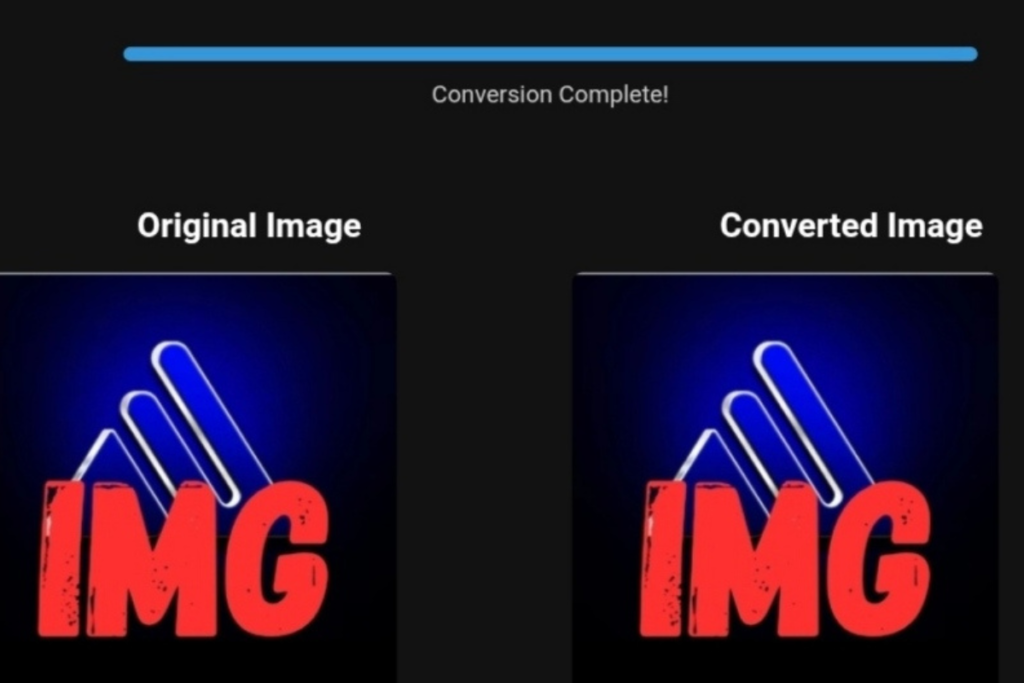
Safe tool for compressing and converting images while preserving quality
Safe Tips for Converting Images from PNG to JPG and AVIF: Technical Insight or Digital Survival?
Did you know that a delay of just a fraction of a second in loading an image can cost you a visitor forever? In the digital competition of 2026, images are no longer just aesthetic elements—they are the backbone of your site’s speed and user experience. Converting image formats like PNG, JPG, and AVIF isn’t merely a technical choice; it directly affects your Google ranking and visitor loyalty. But random conversions carry risks that can turn your precious visuals into heavy burdens. Here, we reveal smart, safe ways to convert your images using best practices, including WebP and Google’s essential 2026 standards.
⚠️ Direct Warning: Ignoring image optimization can sharply damage your Core Web Vitals score, potentially collapsing your search ranking overnight. Are you willing to risk years of SEO gains for one heavy PNG?
Why Converting PNG to JPG or AVIF Could Save Your Website
Let’s start with a hard truth: PNG files, despite their excellent transparency support, are often too heavy for websites. A single 2MB PNG image can increase your homepage load time by more than a second. In a world where users expect content to appear in under 2.5 seconds, every additional second raises bounce rates by 32%.
Modern formats like WebP and AVIF offer 30–50% better compression than PNG while maintaining near-identical visual quality. The common mistake many make is random conversion using cheap or unreliable online tools, which can result in:
- Loss of Metadata: Ownership rights, camera data, or embedded alt text can be stripped.
- Image Corruption: Some tools create distorted files or files incompatible with older browsers.
- Increased File Size: Improper conversion can even produce larger files than the original PNG!
Safe and Smart Steps to Convert PNG to WebP and AVIF
To avoid these pitfalls, follow this simple guide based on the principle: “Convert with confidence, not fear.”
Step 1: Don’t Convert Everything Blindly
Identify the images that actually need conversion:
- Transparent images (logos, icons): Keep PNG or use WebP with transparency support.
- Photographs and complex visuals: Convert to WebP or AVIF.
- Very small images (<5 KB): Conversion might not be necessary.
Step 2: Use a Reliable Tool, Not Just Any Free Online Converter
Quality matters. Platforms like toolloopai.com provide a safe solution:
- Upload your PNG directly.
- Select the target format (WebP, JPG, or AVIF).
- Adjust compression levels without losing quality.
- Download the converted image with all essential metadata preserved.
Toolloopai is designed for website owners, offering a simple interface for beginners and advanced options for professionals. Some processing occurs locally in your browser, ensuring full privacy.
Step 3: Test Images Before Publishing
After conversion:
- Open images in multiple browsers (Chrome, Firefox, Safari).
- Check the new file size (should be at least 30% smaller).
- Use tools like Google PageSpeed Insights to evaluate impact on site speed.
Real Impact: Before and After Conversion
Example from a travel website:
| Metric | Before (PNG) | After (WebP) |
|---|---|---|
| Image Size | 1.8 MB | 320 KB |
| Load Time (4G) | 1.2 s | 0.3 s |
| LCP Score | 78 (Poor) | 94 (Excellent) |
| User Experience | Complaints about slowness | Smooth browsing |
Result: The site moved from page three to the first page on Google in just three weeks. This is a practical application of Google’s latest user-experience-focused updates.
Step-by-Step Guide for Different Users
For Regular Users (Bloggers, Photographers, Marketers)
- Gather all PNG images to optimize into one folder.
- Choose a reliable converter like toolloopai.com (fast and free).
- Upload images in bulk if supported.
- Select WebP as the primary format (97% browser compatibility).
- Replace old images on your website or blog.
For Website Owners (SEO Experts, Developers, Store Owners)
- Use a smart image library with automatic conversion, e.g., EWWW Image Optimizer for WordPress.
- Set a rule: automatically convert all uploaded PNGs to WebP.
- Compress images 75–85% (perfect balance of quality and size).
- Update alt text post-conversion—critical for SEO.
- Implement lazy loading to load images only when visible on the user’s screen.
What Free Image Converters Cannot Do (and What You Must Know)
Many free PNG-to-JPG tools have serious limitations:
❌ Lose EXIF data – stripping ownership, camera, and keyword information.
❌ Fail with transparency – PNGs with transparency often turn white when converted to JPG.
❌ Over-compress images – excessive compression reduces visual quality drastically.
❌ Store your images on servers – risking privacy and security.
Smart Solution: Use tools that respect privacy, process images locally, or delete files immediately after processing. Toolloopai ensures no image is stored and maintains full quality during conversion.
Based on the precise data provided, we can define the ideal criteria for selecting the best companies that meet travelers’ needs. The goal is not merely to choose an ordinary service, but to find one that ensures a safe, comfortable, and hassle-free journey.
✅Related Technology: High-Quality Image Capture
If you’re working on digitizing old photos or creating digital assets from film negatives, starting with high-quality scans ensures your final optimized images retain maximum detail.
👉 Check the 22MP Slide Scanner on AliExpress: https://s.click.aliexpress.com/e/_c4VFbg55
✅Are you ready to take your business to the next level? Whether you’re an entrepreneur, small business owner, or digital marketer, there are smart tools that can turn your ideas into real profits!
By integrating high-quality images with a reliable platform like Spocket, you can transform your dropshipping store into a premium shopping experience, increasing your chances of real profits. Don’t waste time searching for complicated solutions—try Spocket now and start offering professional images for your products to ensure your success!
👉 Check supplier requirements on Spocket: https://get.spocket.co/e8z1port3g11
✅Embark on Your Next Adventure with Viator and Start an Unforgettable Journey
Enjoy exceptional travel experiences with Viator, the perfect platform for discovering tours, activities, and adventures around the world. Whether you’re looking for a private tour in new york or an enriching cultural experience, Viator offers everything you need, complete with high-quality images and detailed information to help you savor every aspect of your adventure. With Viator, your dream destinations are just a step away—start your journey now and create memories that will last a: https://www.viator.com/New-York-City/d687-ttd?pid=P00293733&mcid=42383&medium=link
Products are chosen independently by us. Purchases made through our links may earn us a commission at no additional cost to you.
FAQ: Image Conversion & Website Performance
Q: Will converting PNG to WebP reduce image quality for users?
A: With proper compression (80–85%), visual differences are negligible while reducing size up to 50%. Google recommends WebP as an excellent alternative.
Q: What about old images on my site?
A: Use bulk optimization tools or automatic server-side scripts, or manually upload converted versions.
Q: Does image conversion affect LCP in Core Web Vitals?
A: Significantly. Converting heavy PNGs to WebP can reduce LCP from 3 seconds to under 1 second.
Q: Which image format is best for 2026?
A: AVIF is technically superior but not fully supported in older browsers. WebP is the safe, balanced choice. Use WebP as primary and provide PNG/JPG fallback via HTML5 <picture> tags.
Q: How can I ensure copyright safety for converted images?
A: Keep original PNGs with EXIF data, use converters preserving metadata, or add watermarks before conversion.
Bottom Line: Image Optimization Is No Longer Optional
In today’s competitive landscape, every unoptimized PNG is a weight slowing down your website. Google clearly favors fast sites and penalizes slow ones.
Remember: the tool alone won’t create miracles—strategy does. Start reviewing your website images today, use a trusted platform like toolloopai.com for safe conversions, and enjoy ultra-fast user experiences that boost both rankings and revenue.
Don’t wait until your metrics collapse. Convert heavy PNGs to feather-light WebP and become a winner in Google’s upcoming updates.
R Hallou | SEO & Performance Expert | Writer at ToolloopAI
ToolloopAI specializes in AI-powered image generation and optimization for websites, providing high-quality visuals for all users.
🌐 www.toolloopai.com
Just as you provide your website images with quality and clarity for your visitors, give yourself the same opportunity for a healthy life: bionatry.com
One Comment