
Analyzing the Impact of Images on Travelers’ Cultural Experience
Analyzing the Impact of Images on Travelers’ Cultural Experience: A Comprehensive Guide to Enhancing Tourism Photos in 2026
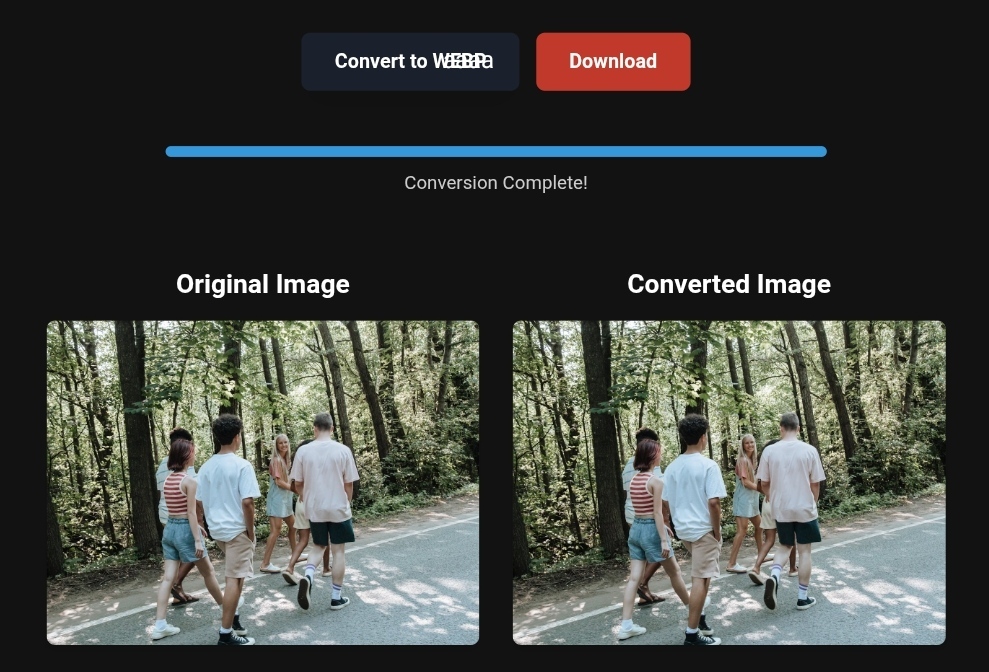
Optimized travel photo showcasing vibrant cultural details and landmarks.
In the digital tourism landscape of 2026, photos have become more than just a means of documenting memories—they now serve as a cultural bridge that transports travelers into the heart of an experience before their feet even touch the ground. Recent trends indicate that optimizing tourism photos is no longer a luxury but a vital necessity, with 74% of travelers relying on their mobile phones to explore destinations and seek out authentic experiences. But how can technically optimized images enhance cultural understanding and deepen the tourism experience?
In this comprehensive guide, we’ll explore the vital connection between image quality and cultural enrichment, offering practical strategies to transform your travel photos into powerful tools using the latest image conversion techniques for tourism ads and image compression in listings.
Why Optimizing Photos Matters for Today’s Travelers
When a traveler searches for a cultural destination, the first thing that catches their eye is an image that tells a story. However, an unoptimized image can be worse than having no image at all. Imagine browsing images of Angkor Wat and waiting for a blurry or distorted photo to load. This negative experience not only affects the user but also deprives the traveler of the intricate cultural details that make the place unique.
Optimizing photos contributes to:
- Faster browsing experience: Up to 80% faster when using the modern WebP format.
- Enhanced visual immersion: Sharp, clear images that highlight architectural and craftsmanship details.
- Improved accessibility: Lightweight images that load even on slower networks in remote areas.
- Cultural storytelling support: Every optimized pixel preserves color accuracy and heritage details.
Cultural Challenges in Tourism Photos
Tourism photos face unique challenges when it comes to accurately conveying culture. Colors may appear washed out, architectural details may get lost, and the true atmosphere of the place can fade due to poor compression or incorrect formatting. This is precisely where image conversion tools play a pivotal role.
Practical Tips for Converting Travel Photos: From PNG to WebP and Beyond
Let’s get practical. You’ve just returned from a trip to Marrakech, and you have hundreds of high-quality PNG images, each weighing several megabytes. How do you turn them into fast, attractive images without losing the Moroccan charm?
1. Converting PNG to WebP for Tourism Listings
WebP is an intelligent format developed by Google that provides lossless or limited lossy compression with a much smaller file size compared to PNG. According to official guides, you can easily convert your images using command-line tools like cwebp.
Simple steps:
- Use tools like SAPWebpSharp or webp-image-cli to batch convert images.
- Adjust the quality ratio between 80-90% for a perfect balance of size and clarity.
- For images with text (like heritage signs), use lossless compression.
2. Compressing Images for Tourism Listings and Hotels
Booking sites heavily rely on images. A room photo that takes 5 seconds to load could lose a booking. Use smart image compression:
- TinyPNG or ImageOptim: Free tools that reduce file size by up to 70% with little noticeable loss in quality.
- Manual Adjustment: Don’t make all images the same resolution. A panoramic photo of a temple needs higher resolution than a small icon.
3. Using Multiple Formats: JPEG, PNG, SVG, AVIF
- JPEG: Best for natural photos and landscapes. Using MozJPEG, you can achieve images that are 10-20% smaller than standard JPEGs.
- PNG: For images that need transparency or graphics (like maps and icons).
- SVG: For logos and vector art that require unlimited scaling (like museum logos).
- AVIF: The next-gen image format. Offers better compression than WebP, but make sure your browsers support it.
4. Optimizing Images for Mobile Devices
Most travelers rely on their phones. Don’t send a 4000-pixel-wide image to a 375-pixel screen.
- Use Lazy Loading: Images load only when the user scrolls to them.
- Create multiple versions of an image in different sizes using the srcset feature in HTML.
Before and After – The Real Impact of Image Optimization
Let’s say you have a 5MB image of Istanbul’s spice market in PNG format.
- Before Optimization: Load time is 4 seconds (on a 4G network), with a 50% chance of the user leaving the page.
- After Optimization (converted to WebP at 85% quality): File size becomes 400KB, with a load time of just 0.5 seconds.
Result: The user enjoys the intricate details, sees the vibrant colors of the spices, and almost smells the saffron through the screen. This is the cultural impact.
Step-by-Step Guide to Image Conversion Using Modern Tools
Method 1: Command-Line Interface (for Developers)
If you manage a large site, this is the best way to automate the process.
- Install the WebP tool:
npm install -g webp-image-cli(This assumes you have Node.js installed). - Convert a whole folder:
webp-image-cli convert Travel_Photos/ -r -q 85This command will convert all images in the folder and subfolders to 85% quality.
Method 2: Using Visual Tools (for the Regular User)
- CapCut AI Image: A great tool for enhancing images and creating engaging travel content. You can upload an image, use the “Image Upscaler” to improve its resolution, and then export it as an optimized PNG or JPEG.
- Panoee: Ideal for 360-degree panoramic photos. It compresses and converts them to WebP or AVIF while maintaining the 2:1 panoramic ratio needed for virtual tours.
What Image Conversion Tools Can’t Do
It’s important to be realistic. Image conversion improves performance and clarity, but it doesn’t create cultural content from scratch.
- It can’t fix cultural inaccuracies: If you’ve taken a photo of a temple from the wrong angle, hiding important details, the conversion won’t fix that.
- It can’t add context: The optimized image still needs a good alt text to explain its cultural significance and improve SEO.
- It doesn’t replace authenticity: Image conversion tools might exaggerate color saturation, making the photo look “fake.” Use moderate settings.
Real-World Example – Travel & Business Success
✅Experience the #1 Travel Platform for Unforgettable Journeys!
Embark on Your Next Adventure with Viator and Start an Unforgettable Journey
Enjoy exceptional travel experiences with Viator, the perfect platform for discovering tours, activities, and adventures around the world. Whether you’re looking for a private tour in new york or an enriching cultural experience, Viator offers everything you need, complete with high-quality images and detailed information to help you savor every aspect of your adventure. With Viator, your dream destinations are just a step away—start your journey now and create memories that will last a: https://www.viator.com/New-York-City/d687-ttd?pid=P00293733&mcid=42383&medium=link
✅Related Technology: High-Quality Image Capture
If you’re working on digitizing old photos or creating digital assets from film negatives, starting with high-quality scans ensures your final optimized images retain maximum detail.
👉 Check the 22MP Slide Scanner on AliExpress: https://s.click.aliexpress.com/e/_c4VFbg55
✅Are you ready to take your business to the next level? Whether you’re an entrepreneur, small business owner, or digital marketer, there are smart tools that can turn your ideas into real profits!
By integrating high-quality images with a reliable platform like Spocket, you can transform your dropshipping store into a premium shopping experience, increasing your chances of real profits. Don’t waste time searching for complicated solutions—try Spocket now and start offering professional images for your products to ensure your success!
👉 Check supplier requirements on Spocket: https://get.spocket.co/e8z1port3g11
Products are chosen independently by us. Purchases made through our links may earn us a commission at no additional cost to you.
FAQs
Q: What’s the best image format for travel sites to ensure compatibility with all devices? A: WebP. It’s supported by all modern browsers (Chrome, Firefox, Safari, Edge) and offers an excellent balance between quality and size. Use JPEG as a fallback format for very old browsers.
Q: How do optimized images affect my site’s Google ranking (SEO)? A: Significantly. Google prioritizes fast sites. Core Web Vitals (especially Largest Contentful Paint (LCP)) heavily depend on image load speed. Optimized images lead to better LCP, improving your search rankings.
Q: Can I optimize professional camera photos without losing quality? A: Yes. Professional cameras produce large RAW files. You can convert them to high-quality WebP or JPEG (95%) with smart compression. The file size reduction will be huge (from 30MB to 1MB), with barely noticeable visual difference.
Q: How do images influence a tourist’s booking decision? A: Images are the number one factor. High-quality, fast-loading photos build trust. A tourist who sees clear pictures of a room, facilities, and surroundings feels more secure and is more likely to confidently make a booking.
Conclusion: A Picture Is Not Just a Thousand Words, It’s a Complete Experience
In 2026, managing tourism images is both an art and a science. By using image conversion and compression tools, you’re not only saving server space but also protecting the traveler’s cultural experience. You’re ensuring that they can appreciate the Andalusian decoration, hieroglyphic inscriptions, and desert sunlight with the clarity and speed they deserve.
Start today by reviewing your site or blog photos. Use Google PageSpeed Insights to analyze performance, and apply one of the techniques discussed here. You’ll notice the difference.
Nasser Alarif | Founder and Chief Expert at toolloopai.com. Specializing in AI-powered image generation and enhancement for websites and anyone looking to take high-quality images for any activity. Visit www.toolloopai.com.
For more information on how tourism image conversions impact sales, be sure to check out our comprehensive guide on Lossless Image Conversions. You can also discover more tips on optimizing travel destination images and turning them into prime booking opportunities for your tours here: https://www.toolloopai.com/how-do-images-contribute-to-accurately-showcasing-the-aesthetics-of-tourist-destinations/
One Comment