
Travel Images – How to Turn Imagination into Reality?
Travel Images – How to Turn Imagination into Reality?
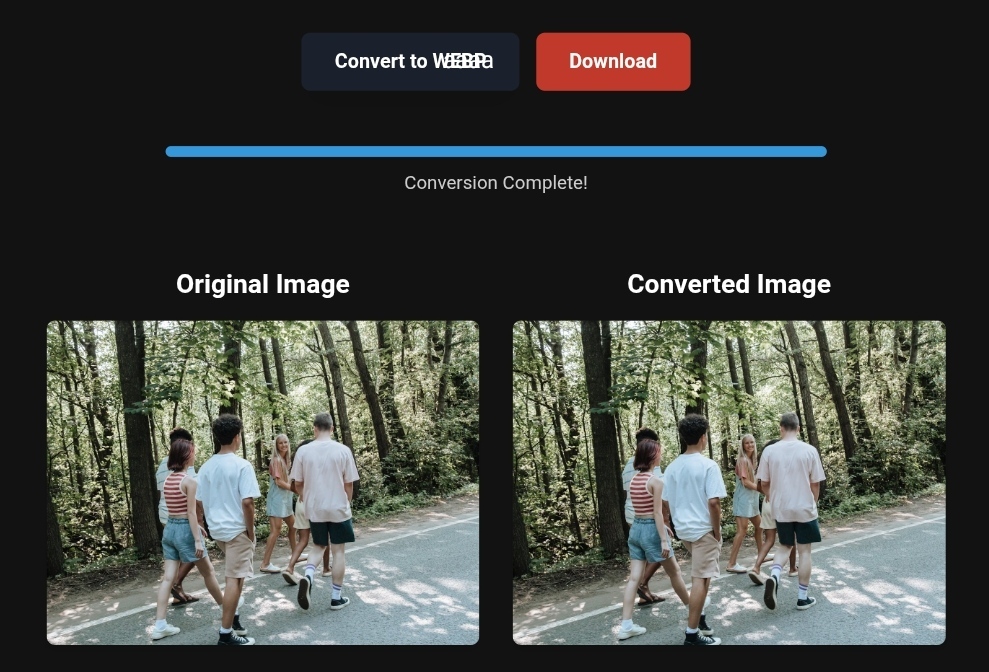
Converting image formats like WebP, PNG, and JPEG to enhance user experience in travel content.
In today’s digital world, images play a crucial role in influencing travelers’ decisions. Whether you’re planning a trip or exploring new destinations, the images you encounter online are powerful tools that shape your perception of places. This article will explore how optimizing travel images can enhance user experiences, improve website performance, and boost booking rates.
Why Image Optimization Matters for Travelers
Travel images are often the first interaction travelers have with a destination. High-quality, optimized images can significantly influence how travelers perceive a place, and whether or not they decide to visit. However, for images to have the desired impact, they must load quickly, be visually appealing, and present the destination in its best light. Image optimization addresses all of these concerns.
Optimizing images ensures they load faster, improving the overall user experience on websites. Slow-loading images can frustrate users and lead to higher bounce rates, which in turn, can hurt a website’s ranking on search engines. Additionally, optimized images contribute to a better mobile experience, which is crucial as more users access travel content on their smartphones.
Practical Tips for Transforming Travel Images
Converting PNG to WebP for Tourism Listings
One of the most effective ways to optimize travel images is by converting them from traditional formats like PNG or JPEG to newer formats such as WebP. WebP images are smaller in size without compromising quality, making them ideal for online travel listings.
WebP is supported by most modern browsers and can significantly reduce the file size of images, allowing faster loading times. For example, converting a PNG image to WebP can reduce its size by up to 30%, making it faster to load while still maintaining high visual quality.
Compressing Images for Faster Load Times
Another essential aspect of image optimization is compression. Compressing images reduces their file size, making them quicker to load. There are various tools available that can automatically compress images without losing quality, such as TinyPNG or ImageOptim.
For websites, especially in the travel industry, where many high-resolution images are displayed, image compression ensures that the user experience remains smooth and fast. Smaller file sizes also mean less bandwidth usage, which is especially important for mobile users with limited data plans.
Before and After – The Real Impact of Image Optimization
To understand the true impact of image optimization, let’s take a look at the differences it can make. Consider two images of the same destination: one unoptimized and the other optimized. The unoptimized image may take several seconds to load, causing users to leave the site before the image even appears. On the other hand, the optimized image will load in a fraction of the time, keeping users engaged and reducing bounce rates.
Optimizing images not only improves load times but also enhances user satisfaction. When images load quickly and look great, users are more likely to explore the site further, increasing engagement and boosting the likelihood of bookings.
Step-by-Step Guide to Image Conversion
If you’re ready to take control of your travel images and optimize them for better performance, here’s a simple step-by-step guide:
- Convert PNG to WebP: Use a tool like Adobe Photoshop, GIMP, or an online converter to change PNG files to WebP. This will help reduce file size while maintaining image quality.
- Compress Your Images: After conversion, compress the WebP images to ensure they load even faster. Use online compressors like TinyPNG or plugins like WP Smush for WordPress.
- Optimize for Mobile: Ensure your images are responsive, meaning they adjust to the screen size of mobile devices. Tools like Google’s Mobile-Friendly Test can help you evaluate how your images perform on mobile.
Mobile Optimization Tips for Image Improvement
With the increasing use of mobile devices for travel research and bookings, it’s essential that your images look great on smartphones and tablets. Here are some tips for optimizing travel images for mobile:
- Responsive Images: Use responsive design techniques to ensure that images resize appropriately across devices.
- Lazy Loading: Implement lazy loading, which means images are only loaded when they come into view as the user scrolls down the page. This helps to speed up the initial page load.
What Image Conversion Tools Can’t Do
While image conversion and compression tools are extremely useful, they do have limitations. For instance, free image conversion tools might not always provide the highest quality images or the most advanced compression options. They might also have size limitations or restrict the number of images you can convert at once.
Before using any tool, ensure it meets your quality standards and offers the features you need. It’s always a good idea to test a few tools and see which one works best for your needs.
Real-World Example – Travel & Business Success
✅Experience the #1 Travel Platform for Unforgettable Journeys!
Embark on Your Next Adventure with Viator and Start an Unforgettable Journey
Enjoy exceptional travel experiences with Viator, the perfect platform for discovering tours, activities, and adventures around the world. Whether you’re looking for a private tour in New york or an enriching cultural experience, Viator offers everything you need, complete with high-quality images and detailed information to help you savor every aspect of your adventure. With Viator, your dream destinations are just a step away—start your journey now and create memories that will last a lifetime. https://www.viator.com/New-York-City/d687-ttd?pid=P00293733&mcid=42383&medium=link
✅Related Technology: High-Quality Image Capture
If you’re working on digitizing old photos or creating digital assets from film negatives, starting with high-quality scans ensures your final optimized images retain maximum detail.
👉 Check the 22MP Slide Scanner on AliExpress: https://s.click.aliexpress.com/e/_c4VFbg55
✅Are you ready to take your business to the next level? Whether you’re an entrepreneur, small business owner, or digital marketer, there are smart tools that can turn your ideas into real profits!
By integrating high-quality images with a reliable platform like Spocket, you can transform your dropshipping store into a premium shopping experience, increasing your chances of real profits. Don’t waste time searching for complicated solutions—try Spocket now and start offering professional images for your products to ensure your success!
👉 Check supplier requirements on Spocket: https://get.spocket.co/e8z1port3g11
Products are chosen independently by us. Purchases made through our links may earn us a commission at no additional cost to you.
Frequently Asked Questions
1. What is WebP, and why should I use it? WebP is an image format developed by Google that provides both lossy and lossless compression. It reduces the size of your images without sacrificing quality, making them faster to load on websites.
2. How can I compress my travel images without losing quality? There are various online tools and plugins like TinyPNG, ImageOptim, and Optimizilla that allow you to compress images without noticeable quality loss. It’s important to test images before and after compression to ensure they meet your quality standards.
3. What is lazy loading, and how does it help? Lazy loading is a technique that defers loading images until they are needed. This improves the page load time by only loading images when they are about to appear on the user’s screen.
About ToolloopAI
ToolloopAI specializes in AI-powered image generation and optimization, helping websites and individuals enhance their images for better performance. Whether you need to convert, compress, or optimize your travel images, ToolloopAI has the tools you need to make your images shine.
Conclusion
Optimizing travel images is a critical step in improving the overall user experience and boosting your website’s performance. By converting images to modern formats like WebP, compressing them for faster load times, and ensuring they are mobile-friendly, you can enhance both the visual appeal and functionality of your website. Keep in mind that image optimization is not just about speed, but also about providing travelers with the best possible representation of their dream destinations. Start optimizing today and watch your engagement and bookings soar!
Author Bio
Nasr Alareef | Founder and Chief Expert at toolloopai.com. Specializing in AI-powered image generation and optimization for websites, ToolloopAI helps users enhance images to improve engagement and performance. Visit www.toolloopai.com.
For more information on how tourism image conversions impact sales, be sure to check out our comprehensive guide on Lossless Image Conversions. You can also discover more tips on optimizing travel destination images and turning them into prime booking opportunities for your tours here: https://www.toolloopai.com/how-travel-images-enhance-travelers-perception-of-destinations/
One Comment