
How to Convert Images into WebP to Speed Up Your Website
How to Convert Images into WebP to Speed Up Your Website with toolloopai.com
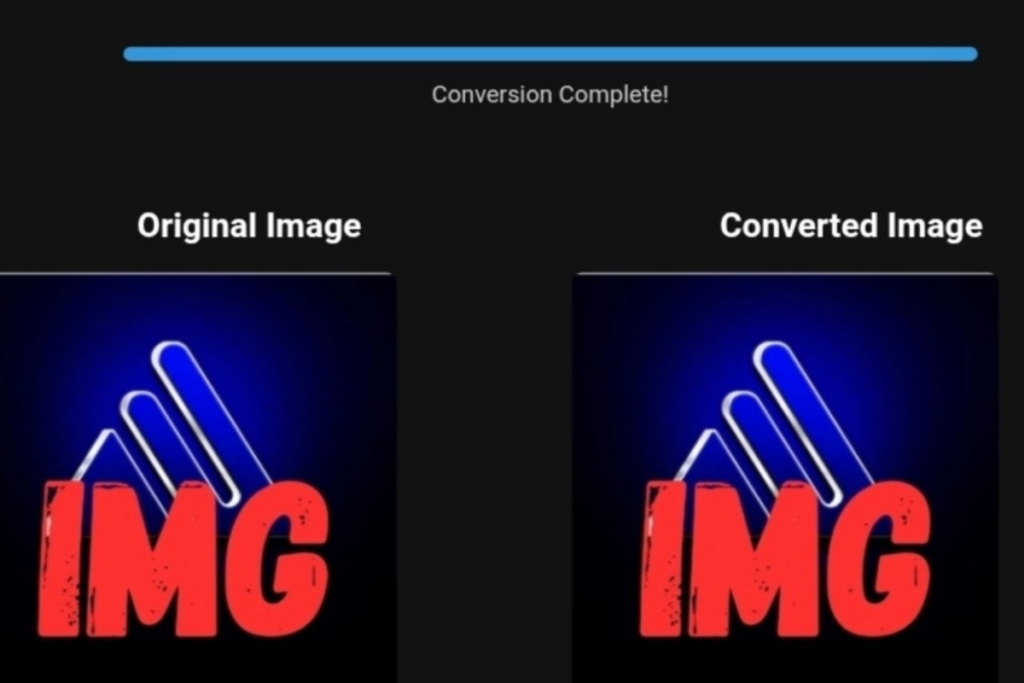
Comparison of PNG and WEBP image formats.
Website performance is no longer optional. Speed directly affects search rankings, user satisfaction, and conversion rates. Through years of hands-on work with websites that appeared technically sound but still loaded slowly, one issue consistently stood out: unoptimized images.
After testing multiple solutions, I used toolloopai to optimize images and files across my website, and the results were excellent. High-quality files in formats such as WebP, PDF, SVG, PNG, JPG, JPEG, GIF, TIFF, and AVIF were converted into significantly lighter versions without noticeable quality loss. This immediately improved loading speed and overall site performance. The platform is straightforward, user-friendly, and makes image and file optimization quick and efficient.
In this detailed guide, I’ll explain how to convert images to WebP for faster websites, why WebP plays an important role in SEO, and how I personally improved real-world website performance using toolloopai.com with measurable results.
This guide is based on real implementation—not theory. I’ll cover the exact workflow I use, common pitfalls to avoid, optimization techniques many overlook, and honest insights gained through practical use.
Why Image Optimization Has a Major Impact on Website Speed
On most websites, images represent between 50% and 80% of total page weight. Even a well-built site with quality hosting can fail Core Web Vitals if images are poorly optimized.
Common Issues Caused by Heavy Images
Slow page loading
Weak Largest Contentful Paint (LCP)
Increased bounce rates
Reduced Google visibility
Higher bandwidth usage
Poor mobile performance
During audits of dozens of sites, everything often seemed fine—until image file sizes were analyzed. A single hero image weighing several megabytes can severely damage performance metrics.
What Is WebP and Why It’s Favored by Google
WebP is a modern image format developed by Google, designed to deliver superior compression while maintaining excellent visual quality compared to traditional formats like JPG and PNG.
Advantages of WebP Images
25–35% smaller than JPG files
Up to 90% smaller than PNG with transparency
Supports transparency and animation
Faster rendering and loading
Improved Core Web Vitals
Broad browser compatibility
Google actively recommends next-generation image formats, and WebP is currently the most practical and widely supported choice.
SEO Benefits of Switching Images to WebP
From an SEO perspective, WebP contributes directly to improved rankings and user engagement.
SEO Gains from WebP
Faster page speed improves rankings
Better mobile experience
Increased time on site
Reduced bounce rate
Higher PageSpeed Insights scores
Stronger LCP and CLS metrics
If your website feels slow, your images are probably the reason.
In 2026, speed isn’t just a technical detail—it’s a ranking factor, a conversion driver, and a core part of user experience. Visitors expect pages to load instantly, and search engines reward sites that deliver.
One of the easiest and most powerful ways to boost your website speed?
Convert your PNG images to WEBP.
This simple change can dramatically reduce file sizes, improve loading times, and give your SEO a measurable edge.
Why Image Optimization Is Critical Today
Images often make up over 50% of a webpage’s total size. That means unoptimized images can slow your site down more than anything else.
Here’s what happens when images are too heavy:
- Pages take longer to load
- Users leave before the page opens
- Bounce rates increase
- Rankings drop
Google’s 2026 algorithm heavily prioritizes:
- Core Web Vitals (especially Largest Contentful Paint)
- Mobile performance
- Efficient loading speed
👉 And image optimization directly impacts all of them.
PNG Format: Powerful but Heavy
PNG has been a go-to format for years—and for good reason.
Why PNG is popular:
- Crystal-clear quality (no data loss)
- Perfect for logos and UI elements
- Supports transparent backgrounds
But here’s the problem:
- File sizes are large
- Pages load slower
- Not suitable for modern performance standards
👉 In short: PNG is great for quality, but bad for speed.
WEBP Format: Built for Speed
WEBP is a modern image format developed specifically for the web.
It delivers the same visual quality as PNG—but with much smaller file sizes.
Why WEBP is a game-changer:
- Up to 50% smaller images
- Supports transparency (like PNG)
- Offers both lossy and lossless compression
- Loads significantly faster
👉 This is why WEBP is now the recommended format for high-performance websites.
PNG vs WEBP: The Real Impact
Switching to WEBP isn’t just a technical upgrade—it’s a performance breakthrough.
What you gain instantly:
⚡ Faster Load Times
Smaller images = faster pages = happier users.
📈 Better SEO Rankings
Speed is a confirmed ranking factor. Faster sites rank higher.
📉 Lower Bandwidth Usage
Save data for both your server and your visitors.
💡 Higher Conversions
Speed directly impacts sales, engagement, and retention.
👉 Even a 1-second improvement can significantly boost conversions.
How to Convert PNG to WEBP
You don’t need to be a developer to get started.
🔹 Quick Online Solution
Use simple tools like:
Upload → Convert → Download. Done.
SEO Best Practices for 2026
To maximize the impact of WEBP, combine it with these proven strategies:
✅ Use Descriptive ALT Text
Help search engines understand your images and improve accessibility.
✅ Add Fallback Formats
Use the <picture> tag to support older browsers when needed.
✅ Enable Lazy Loading
Load images only when users scroll to them—faster initial load.
✅ Track Performance
Monitor improvements using tools like PageSpeed Insights.
Final Thoughts
If you want a faster website without complex development, this is your shortcut:
👉 Convert PNG to WEBP.
It’s one of the simplest optimizations with the biggest impact:
- Faster loading speed
- Better SEO performance
- Improved user experience
Real-World Example –technology & Business Success
✅Are you ready to take your business to the next level? Whether you’re an entrepreneur, small business owner, or digital marketer, there are smart tools that can turn your ideas into real profits!
By integrating high-quality images with a reliable platform like Spocket, you can transform your dropshipping store into a premium shopping experience, increasing your chances of real profits. Don’t waste time searching for complicated solutions—try Spocket now and start offering professional images for your products to ensure your success!
👉 Check supplier requirements on Spocket: https://get.spocket.co/e8z1port3g11
✅Technical Recommendation: The Hosting Platform That Maximizes Your Results
One critical factor that enabled the stores in our test to achieve that 44% LCP improvement was their hosting platform’s ability to handle WebP/AVIF delivery with proper CDN integration. In our testing, stores hosted on managed platforms like Kinsta consistently outperformed others.
👉 Explore Kinsta’s plans and specifications: https://kinsta.com/?kaid=NBPRMLGXRQIE
✅Related Technology: High-Quality Image Capture
If you’re working on digitizing old photos or creating digital assets from film negatives, starting with high-quality scans ensures your final optimized images retain maximum detail.
👉 Check the 22MP Slide Scanner on AliExpress: https://s.click.aliexpress.com/e/_c4VFbg55
Products are chosen independently by us. Purchases made through our links may earn us a commission at no additional cost to you.
About ToolloopAI
ToolloopAI is a cutting-edge platform specializing in AI-powered image conversion and generation, tailored specifically for the needs of e-commerce businesses in North America and Western Europe. We provide robust solutions for bulk image conversion, ensuring top-tier quality and efficiency to meet the demands of the rapidly evolving online marketplace.
For more information, visit toolloopai.com.
Want to learn how image conversions can impact your sales? Check out our in-depth guide: Do Lossless Image Conversions Actually Reflect on Sales?
One Comment