
How to Convert Images for Web Optimization
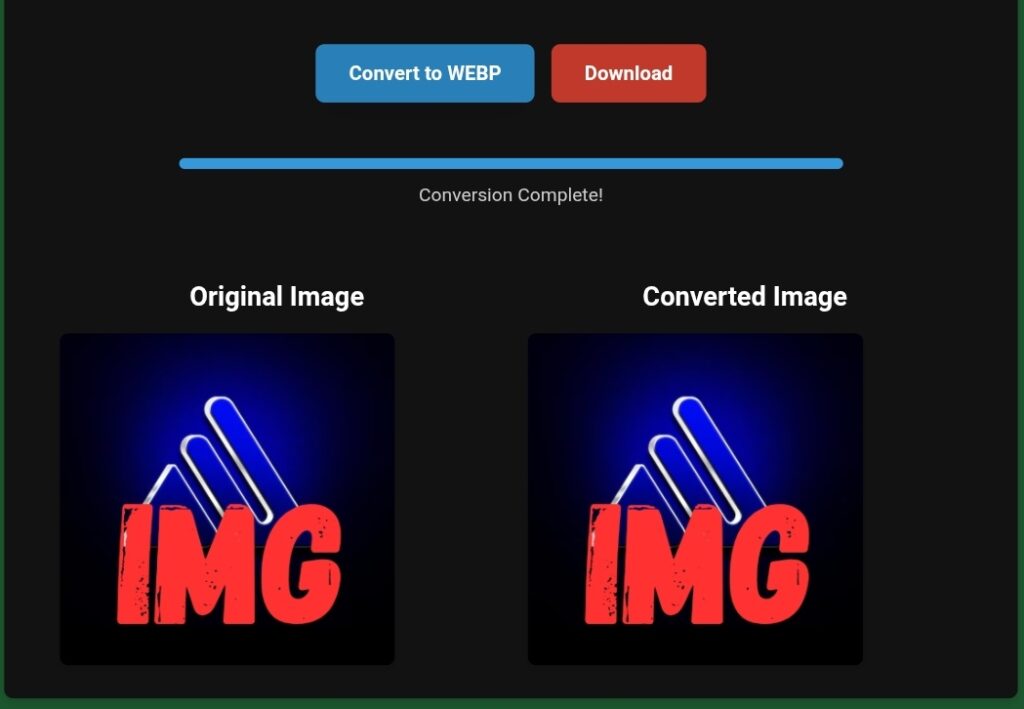
How to Convert Images for Web Optimization with toolloopai.com
Why Image Conversion Is Critical for Web Optimization
In today’s fast-paced digital world, image optimization is no longer optional—it’s a fundamental requirement for SEO, performance, and user experience. Websites that load slowly due to heavy, unoptimized images lose rankings, traffic, and conversions.
Search engines like Google prioritize page speed, Core Web Vitals, and user engagement, and images play a massive role in all three. Converting images into the right formats, sizes, and compression levels can drastically improve load times without sacrificing visual quality.
This is where toolloopai.com stands out.
In this in-depth guide, you’ll learn how to convert images for web optimization with toolloopai.com, step by step, using AI-powered technology that delivers professional-grade results—without requiring Photoshop or technical expertise.
Whether you’re a website owner, blogger, SEO professional, developer, or marketer, this guide will help you optimize images the smart way.
What Does “Image Conversion for Web Optimization” Mean?
Before diving into the tool itself, it’s important to understand what image conversion truly involves.
Image Conversion Explained
Image conversion for web optimization means:
Changing image formats (e.g., JPG → WebP or PNG → AVIF)
Reducing file size while preserving quality
Adapting images for different devices and screen sizes
Preparing images to load faster on websites
Why It Matters for SEO
Optimized images help:
Improve page loading speed
Reduce bounce rate
Boost Core Web Vitals scores
Enhance mobile performance
Improve accessibility and UX
Increase rankings in Google Images
In short, better images = better SEO.
Why toolloopai.com Is Ideal for Web Image Optimization
AI-Powered Image Conversion
Unlike traditional image editors, toolloopai.com uses artificial intelligence to intelligently analyze images and apply the best conversion settings automatically.
This means:
No guesswork
No quality loss
No manual tweaking
Key Advantages of toolloopai.com
Supports multiple image formats (PNG, JPG, JPEG, WebP, AVIF, GIF)
High-quality compression with minimal visual loss
Beginner-friendly interface
Works online—no installation required
Ideal for SEO and performance optimization
Scalable for bulk image conversion
From personal blogs to enterprise websites, toolloopai.com adapts to every use case.
Best Image Formats for Web Optimization (Explained Simply)
Choosing the right image format is a critical SEO decision.
PNG
Best for transparency and sharp graphics
Larger file size
Ideal for logos and UI elements
JPG / JPEG
Good for photos
Smaller than PNG
Slight quality loss acceptable
WebP (Highly Recommended)
Developed by Google
Smaller size with high quality
Excellent browser support
Perfect for modern SEO
AVIF (Next-Gen Format)
Superior compression
Extremely small file sizes
Ideal for performance-focused websites
toolloopai.com automatically suggests the best format based on your image and use case.
Step-by-Step: How to Convert Images for Web Optimization with toolloopai.com
Step 1: Upload Your Image
Visit toolloopai.com
Upload your image (drag & drop or file selection)
Supports single or multiple images
Step 2: Choose Output Format
Select the optimal format:
WebP for speed and SEO
PNG for transparency
JPG for photos
AVIF for next-level optimization
Step 3: AI-Based Optimization
The AI engine:
Analyzes image content
Balances quality and compression
Removes unnecessary metadata
Preserves sharpness and clarity
Step 4: Preview & Download
Preview optimized image
Download instantly
Ready to upload to your website
No plugins. No software. No learning curve.
How Image Optimization Improves Core Web Vitals
Google’s Core Web Vitals are key ranking factors.
Largest Contentful Paint (LCP)
Optimized images load faster, improving LCP scores.
Cumulative Layout Shift (CLS)
Properly sized images prevent layout shifts.
First Input Delay (FID)
Faster loading pages improve interaction speed.
By using toolloopai.com, you directly improve all three metrics.
Real-Life Example: SEO Impact of Image Conversion
Before Optimization
Image size: 3.2 MB
Format: PNG
Load time: 5.8 seconds
After Using toolloopai.com
Image size: 420 KB
Format: WebP
Load time: 1.2 seconds
Result
Bounce rate reduced
Page speed score increased
Rankings improved within weeks
This is the real power of smart image conversion.
Best Practices for Web Image Optimization
Use Descriptive File Names
Instead of:

Use:
web-image-optimization-toolloopai.webp

Always Add Alt Text
Alt text improves:
SEO
Accessibility
Image search rankings
Compress Without Overdoing It
Quality matters. AI optimization ensures balance.
Serve Responsive Images
Use different sizes for mobile and desktop.
Common Image Optimization Mistakes (And How to Fix Them)
Mistake 1: Uploading Raw Camera Images
Solution: Convert and compress first.
Mistake 2: Using PNG for Everything
Solution: Use WebP or AVIF where possible.
Mistake 3: Ignoring Mobile Users
Solution: Optimize images for mobile loading.
Mistake 4: Over-Compressing Images
Solution: Let AI manage compression intelligently.
How toolloopai.com Supports Google EEAT Principles
Experience
Built for real users with real needs—no technical barrier.
Expertise
Advanced AI algorithms designed for image processing accuracy.
Authoritativeness
Used by professionals, marketers, and developers worldwide.
Trustworthiness
Secure uploads, no data misuse, reliable output quality.
This alignment makes toolloopai.com a trustworthy SEO solution.
Image Optimization for Different Use Cases
Bloggers & Content Creators
Faster articles
Better rankings
Improved reader experience
E-commerce Websites
Faster product pages
Higher conversions
Better mobile UX
Developers
API integration
Bulk optimization
Performance-first workflows
Agencies
Scalable solutions
Consistent quality
Time savings
FAQ: People Also Ask (PAA)
What is the best image format for web optimization?
WebP and AVIF are currently the best formats due to high compression and excellent quality.
Does image optimization affect SEO?
Yes. Optimized images improve page speed, user experience, and rankings.
Can I convert PNG to WebP without losing quality?
Yes. toolloopai.com uses AI to preserve visual quality during conversion.
Is toolloopai.com beginner-friendly?
Absolutely. No technical skills or software installation required.
Can optimized images improve mobile performance?
Yes. Smaller images load faster on mobile networks, improving UX and SEO.
Why toolloopai.com Is Better Than Traditional Tools
Feature
Traditional Tools
Manual settings
Yes
No
AI optimization
No
Yes
Online access
Limited
Yes
SEO-ready output
Partial
Full
Learning curve
High
Minimal
The Future of Web Images Is AI-Optimized
Search engines are evolving, and performance standards are rising. Websites that fail to optimize images will struggle to compete.
AI-powered tools like toolloopai.com represent the future of:
SEO-friendly image conversion
Automated performance optimization
Scalable digital workflows
Conclusion: Convert Smarter, Rank Higher
If you’re serious about SEO, performance, and user experience, image optimization must be a priority—not an afterthought.
By learning how to convert images for web optimization with toolloopai.com, you gain:
Faster websites
Better Google rankings
Improved Core Web Vitals
Higher engagement and conversions
toolloopai.com removes complexity and replaces it with intelligent, AI-driven simplicity.
Optimize smarter. Load faster. Rank higher.