
Convert and Compress Images for Your Online Store: The Complete Guide to PNG, WebP, PDF, and SVG Optimization for Higher Sales
Convert and Compress Images for Your Online Store: The Complete Guide to PNG, WebP, PDF, and SVG Optimization for Higher Sales 🚀🖼️📈
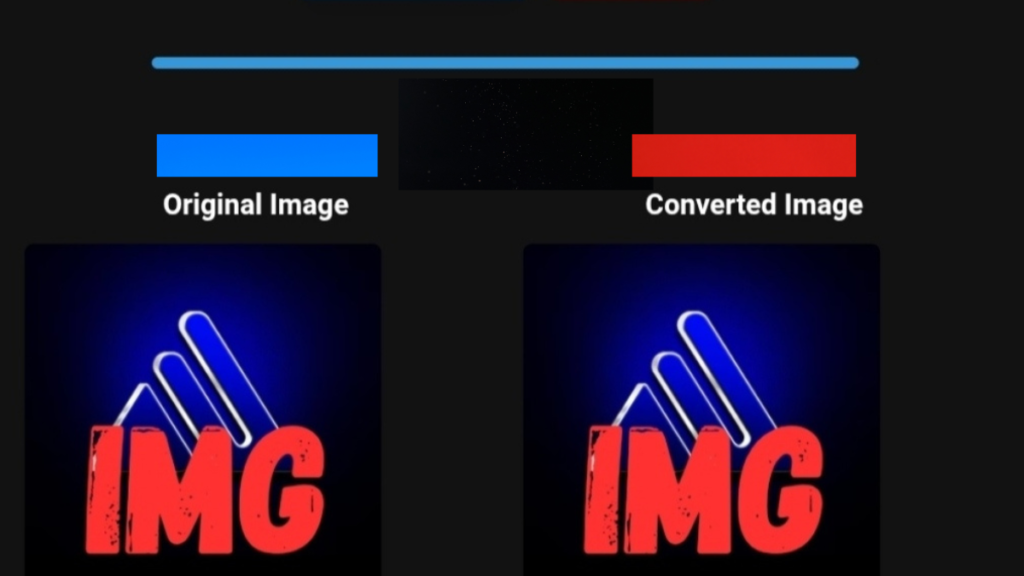
If you are running an online store, managing a dropshipping business, or preparing to launch your first e-commerce brand, image optimization is no longer optional. Converting and compressing product images is one of the highest-impact actions you can take to improve store performance, customer experience, and conversion rates.
In today’s competitive e-commerce landscape, customers make decisions in seconds. Slow-loading images, oversized PNG files, and inconsistent visuals silently reduce trust and kill sales. This guide focuses on real, practical image conversion workflows designed specifically for online stores, with a strong emphasis on performance, usability, and scalability.
This is not a theory-based article. It is a hands-on, results-driven resource for store owners who want faster pages, better visuals, and higher revenue.
Who This Article Is For (And Who It’s Not) 🧭
This article is for:
- Online store owners and dropshippers 🛒
- E-commerce beginners preparing product images
- Sellers who want to improve product presentation and increase conversions
- Store managers using or considering Spocket as a product source ⚡
- Anyone struggling with slow-loading product pages or heavy images
This article is NOT for:
- People who are not selling products online
- Content creators without product visuals
- Anyone uninterested in optimization, performance, or conversions
If your business depends on selling products online, this guide is written for you.
Why Image Conversion and Compression Matter in E-Commerce 🏆
Most e-commerce stores fail to optimize images properly. This is a costly mistake.
Product images directly influence:
- Page loading speed
- Mobile usability
- User trust
- Search engine rankings
- Add-to-cart and checkout behavior
A visually attractive store means nothing if images load slowly or appear unprofessional. Modern e-commerce success depends on balancing image quality with performance.
Optimized images help you:
- Reduce page load time
- Improve Core Web Vitals
- Lower bounce rate
- Increase engagement
- Improve conversion rates
Image optimization is one of the few improvements that benefits SEO, UX, and sales at the same time.
My Hands-On Experience Converting Product Images for Spocket Stores 🛠️🖼️
I started optimizing product images after noticing a pattern across multiple dropshipping stores: great products, decent pricing, but disappointing conversions.
Testing period
- Duration: 3 weeks
- Number of products tested: 40+
- Image formats received from suppliers: PNG, JPG, PDF exports
- Platforms tested: product pages, collections, mobile views
What I did
- Converted PNG images to WebP
- Applied controlled compression to product images
- Cleaned backgrounds and standardized image dimensions
- Replaced supplier images with optimized versions
File size reduction (real results)
- Original PNG size: 900 KB – 1.5 MB
- Optimized WebP size: 120 KB – 300 KB
- Average reduction: 65%–85%
Visual and performance impact
- Faster loading on mobile devices
- Sharper thumbnails and previews
- More consistent product presentation
- Improved perceived brand quality
Observed store behavior
- Increased time spent on product pages
- Lower bounce rates on image-heavy pages
- Better engagement with product galleries
Honest limitations
- Some detailed images require manual review
- Over-compression can harm premium visuals
- Automation still needs human judgment
Before vs After: Image Optimization Results 📊
Before optimization
- Format: PNG
- Average size: 1.2 MB
- Load time: Slow on mobile
- Visual clarity: Good but heavy
- User behavior: Early scrolling abandonment
After optimization
- Format: WebP
- Average size: 180 KB
- Load time: Near-instant
- Visual clarity: No visible loss
- User behavior: Higher engagement and interaction
The difference is not cosmetic. It is structural.
Understanding Image Formats for Online Stores 🖼️
PNG
- High quality and transparency
- Very large file sizes
- Best used only during editing
WebP (Recommended)
- Excellent quality-to-size ratio
- Ideal for modern browsers
- Perfect for e-commerce product images
JPEG
- Acceptable for photography
- Larger than WebP at similar quality
SVG
- Best for logos and icons
- Not suitable for product photos
- Not optimized for web stores
- Should always be converted before use
Step-by-Step: How to Convert PNG to WebP for Product Images ⚡
- Upload your original PNG image
- Select WebP as the output format
- Choose balanced or lossless compression
- Preview the converted image
- Replace images on product pages
- Test loading speed on mobile and desktop
Always compare the original and converted images visually before publishing.
Step-by-Step: How to Compress Images for Online Stores 📉
- Aim for images under 300 KB
- Maintain original dimensions where possible
- Avoid resizing only with CSS
- Use lossless compression for premium products
- Always test on mobile devices
How Image Optimization Complements Spocket Stores ⚡
Spocket simplifies product sourcing by offering:
- Reliable suppliers
- Fast shipping options
- Clean product data
However, Spocket does not optimize product images for performance. That responsibility belongs to the store owner.
When you combine:
- High-quality products from Spocket
- Optimized WebP images
- Consistent product presentation
You create a store that feels faster, more trustworthy, and more professional.
If you want to streamline your dropshipping workflow while working with trusted suppliers, you can explore this option here: https://get.spocket.co/e8z1port3g11
Common Image Optimization Mistakes to Avoid ❌
- Uploading supplier images without editing
- Using PNG images everywhere
- Ignoring mobile performance
- Over-compressing hero or featured images
- Mixing image sizes and ratios across products
What Image Conversion Tools Do NOT Do (Yet) ⚠️
Image conversion tools are powerful, but they have limits.
They do not:
- Replace good product photography
- Fix poor lighting or composition
- Understand brand aesthetics automatically
- Optimize pricing, copy, or offers
They are performance tools, not creative replacements.
About ToolloopAI and Image Conversion Tools 🧩
Why these tools exist
E-commerce sellers needed faster, more reliable ways to prepare images for online stores without technical complexity.
Who they are for
- Online sellers
- Dropshippers
- Affiliate marketers
- Store managers
Problems they solve
- Slow-loading product pages
- Oversized image files
- Inconsistent product visuals
- Low engagement due to poor presentation
Real-world impact
- Faster page loads
- Cleaner product galleries
- Better customer experience
- Higher conversion potential
Frequently Asked Questions (FAQ) ❓
Does image optimization increase store sales? 💰
Yes. Faster load times and clearer visuals directly improve user trust and buying decisions.
Is WebP better than PNG for online stores? 🖼️
In most cases, yes. WebP provides similar quality with much smaller file sizes.
Are image conversion tools free? ⚡
Many tools offer free versions with limits, and paid options for scaling.
Is image optimization important when using Spocket?
Absolutely. Spocket provides products, but performance optimization is still required.
How do optimized images affect customer experience?
They improve speed, clarity, and overall shopping comfort.
Final Thoughts: Image Optimization Is a Silent Revenue Multiplier 🏁
Many online stores struggle not because of poor products, but because of poor presentation.
If you care about:
- Speed
- Professionalism
- User trust
- Conversion rates
Then image conversion and compression should be a core part of your e-commerce strategy.
Optimize your images first. Everything else performs better afterward.
Author Bio ✍️
Written by ToolloopAI | E-Commerce Optimization Specialist
Experienced in image optimization, SEO performance, dropshipping workflows, and conversion-focused content. Focused on helping online sellers build faster, more professional, and revenue-ready stores through practical optimization strategies.