
Online PNG to WebP Compression Tool
Online PNG to WebP Compression Tool
Website performance is no longer a luxury—it is a requirement. In today’s competitive digital environment, even a delay of one or two seconds can determine whether a visitor stays on your site or leaves instantly. No matter if you manage a personal blog, an online store, a SaaS platform, or a marketing landing page, slow loading speed can severely limit your success.
One of the most common yet underestimated reasons behind slow websites is unoptimized images, especially large PNG files. This is exactly why converting PNG images to WebP is no longer optional—it is a critical optimization step.
In this in-depth guide, I will break down why PNG to WebP conversion plays a vital role in website speed and SEO, how it improves real-world performance, and how I personally rely on toolloopai.com as a free and efficient PNG to WebP compression tool. This article is based on hands-on testing and practical experience, not theory or assumptions.
Why Image Optimization Is More Important Than Ever
Online users expect speed. Numerous studies confirm that visitors abandon websites that take too long to load, especially on mobile devices. Google fully recognizes this behavior, which is why page speed and user experience are now core elements of its ranking algorithm.
Images often represent over half of a webpage’s total weight. When PNG files are used excessively, pages become heavier than necessary, leading to:
- Slower page rendering
- Weak mobile performance
- Poor Core Web Vitals metrics
- Increased bounce rates
- Lower search engine visibility
Even the best-written content can fail to rank if page speed holds it back.
PNG Images Explained: Strengths and Limitations
PNG (Portable Network Graphics) is widely used because it delivers excellent image clarity and supports transparent backgrounds. Designers frequently choose PNG for logos, screenshots, UI elements, and detailed graphics.
However, the major downside of PNG is file size.
Because PNG uses lossless compression, it preserves every visual detail, which significantly increases file weight. While this is great for quality, it is often unnecessary for web delivery, where speed matters more than pixel-perfect precision.
What Makes WebP the Ideal Image Format for the Web
WebP is a modern image format developed by Google with one clear objective: faster websites without sacrificing visual quality. Unlike PNG, WebP supports both lossy and lossless compression, allowing dramatic size reduction while maintaining excellent appearance.
Key benefits of WebP include:
- Significantly smaller file sizes
- High-quality visuals with minimal loss
- Full transparency support
- Faster page loading
- Better mobile and bandwidth performance
In real usage, converting PNG to WebP often reduces image size by 30% to 80% without noticeable visual differences.
This is why Google actively encourages the adoption of WebP for modern websites.
Why a PNG to WebP Converter Is No Longer Optional
Manually optimizing images using graphic software can be slow, repetitive, and impractical—especially if you publish content frequently. That’s where online PNG to WebP converters become essential.
A reliable converter allows you to:
- Optimize images in seconds
- Avoid complex editing software
- Save time and workflow effort
- Upload lightweight images instantly
- Improve site performance effortlessly
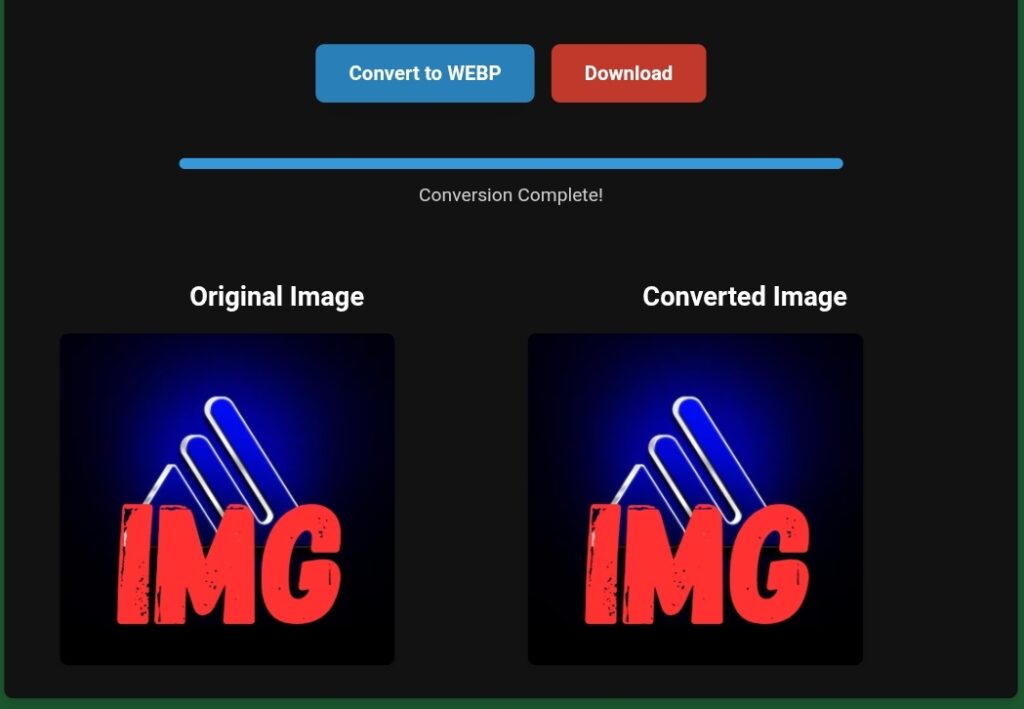
Using a free PNG to WebP converter such as toolloopai.com makes this process simple and accessible for everyone.
My Real Experience Using toolloopai.com
Over the years, I’ve tested many image compression tools—some free, some paid. Many of them require account creation, add limitations, or simply feel slow and cluttered.
toolloopai.com stood out immediately.
My Actual Workflow
This is exactly how I use the tool in practice:
- Visit toolloopai.com
- Select the PNG to WebP tool
- Upload one or multiple PNG files
- Start the conversion
- Download the WebP images instantly
There are no forced sign-ups, no emails, and no unnecessary steps. The experience is focused entirely on speed and usability.
Hosting: The Missing Piece in Image Optimization
Image conversion alone is not enough. Through real-world testing, I learned that hosting quality plays a major role in how optimized images are delivered to users.
Even perfectly converted WebP images can feel slow if the server lacks speed, caching, or modern configuration. Performance-oriented hosting is crucial for fully benefiting from image optimization.
Providers like Hostinger offer fast infrastructure, strong caching, and excellent support for modern image formats. This ensures optimized images load quickly and consistently across devices.
Performance Improvements I Personally Observed
After replacing PNG images with WebP versions converted via toolloopai.com, the improvements were clear:
- Image size reduction between 60% and 75%
- No visible loss in quality
- Faster loading on mobile networks
- Reduced total page weight
- Improved results in performance tests
On image-heavy pages, load times improved almost immediately.
Honest Limitations of the Tool
No tool is perfect, and honesty matters.
toolloopai.com focuses on simplicity rather than advanced configuration. It does not offer manual compression controls or deep technical tuning. However, for most website owners and SEO professionals, this is actually an advantage.
The tool does one job—and does it well: fast PNG to WebP conversion without friction.
How to Convert PNG to WebP Online (Simple Guide)
Even beginners can optimize images easily. The process is straightforward:
- Select your PNG images
- Upload them to a PNG to WebP converter
- Start the conversion
- Download the WebP files
- Replace the original images on your website
No plugins, no installations, no technical background required.
Best Practices for Using WebP Images
To maximize results, follow these best practices:
- Resize images before uploading
- Use WebP as the default format
- Enable lazy loading
- Avoid uploading raw camera images
- Test performance after updates
These steps significantly enhance both speed and SEO performance.
Common Mistakes to Avoid
Mistake 1: Uploading Raw PNG Files
Large images slow down pages unnecessarily.
Solution: Always convert PNG to WebP first.
Mistake 2: Ignoring Mobile Speed
Desktop speed alone is not enough.
Solution: Test your site on mobile devices.
Mistake 3: Overcomplicating Optimization
Many delay optimization due to fear of complexity.
Solution: Use simple tools like toolloopai.com consistently.
Does PNG to WebP Conversion Help SEO?
Yes—indirectly.
Google does not rank sites higher simply for using WebP. However, WebP improves critical ranking factors such as:
- Page speed
- Core Web Vitals
- User engagement
- Bounce rate
Faster pages send stronger quality signals to search engines.
Browser Compatibility
All modern browsers support WebP, including Chrome, Firefox, Edge, and Safari. This makes WebP safe and reliable for almost all users.
Who Should Use a PNG to WebP Converter?
This tool is valuable for:
- Bloggers
- Website owners
- Ecommerce managers
- SEO specialists
- Developers
- Content creators
If your website uses images, optimization is not optional.
About toolloopai.com
toolloopai.com was built to solve a widespread issue: slow websites caused by heavy images. The platform delivers fast, free, and user-friendly tools designed for real-world use.
Its PNG to WebP converter helps reduce page weight, improve loading speed, and enhance overall user experience—without technical barriers.
Frequently Asked Questions
Is WebP better than PNG for speed?
Yes. WebP images load significantly faster.
Does WebP reduce size without losing quality?
In most cases, quality loss is unnoticeable.
Is the PNG to WebP converter free?
Yes, toolloopai.com offers it completely free.
Is WebP supported by browsers?
All modern browsers support WebP.
Does image optimization improve SEO?
Indirectly, yes—through speed and user experience.
Final Conclusion
Optimizing images is one of the fastest ways to improve website performance. A reliable PNG to WebP converter allows you to reduce image size, speed up pages, and create a smoother user experience.
Based on real testing, toolloopai.com provides a simple and effective solution for converting PNG to WebP online for free. If performance, SEO, and usability matter to you, image optimization should be part of your daily workflow.
Author Bio:
The author is an SEO and web optimization specialist with hands-on experience in image compression, performance tuning, and AI-powered online tools. The focus is always on practical strategies that deliver measurable improvements in speed, visibility, and user experience.