
How to Convert Images to Different Formats Using AI
How to Convert Images to Different Formats Using AI with toolloopai.com
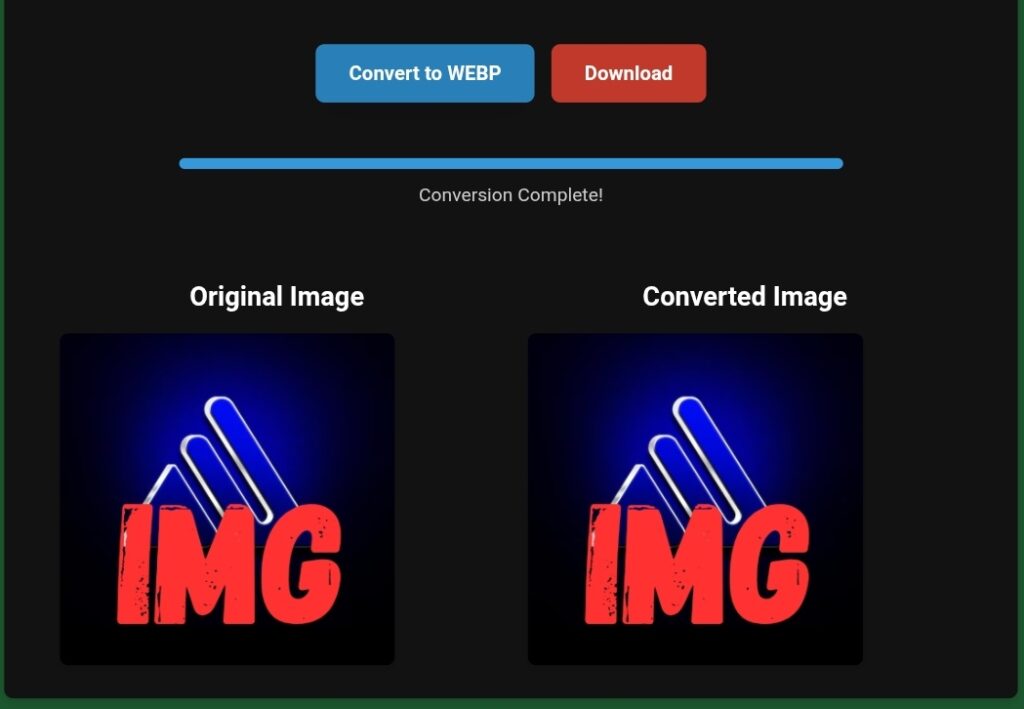
Why Image Format Conversion Matters More Than Ever
If you manage a website, blog, online store, or digital product today, image optimization is no longer optional—it’s foundational. Page speed, Core Web Vitals, SEO rankings, user experience, and even conversion rates are directly affected by how your images are formatted and delivered.
I tried toolloopai to optimize images and files for my website, and it worked perfectly. High-resolution files in formats like WebP, PDF, SVG, PNG, JPG, JPEG, GIF, TIFF, and AVIF were quickly converted to lighter versions without losing quality, improving my site’s speed and overall performance. The interface is simple and intuitive, making file and image optimization fast and effortless.
I learned this the hard way.
After publishing dozens of high-quality articles and landing pages, my site was still slow. Google PageSpeed Insights consistently flagged “Serve images in next-gen formats” and “Properly size images.” Most of my visuals were large PNG and JPG files, exported directly from design tools without optimization.
That’s when I started actively converting images to different formats using AI, and more specifically, when I began using toolloopai.com as my primary solution.
This article is not theory. It’s written from real hands-on experience, covering:
Why image format conversion impacts SEO and rankings
Which image formats to use (and when)
How AI simplifies bulk image conversion
A step-by-step guide using toolloopai.com
Real results, limitations, and honest observations
Best practices, mistakes, and expert-level tips most beginners miss
If your goal is faster pages, better SEO, and cleaner workflows, this guide will give you everything you need.
Understanding Image Formats and Their Real-World Use Cases
Before converting images, you must understand why different formats exist and how each one affects performance, quality, and compatibility.
Common Image Formats Explained
JPG / JPEG
Best for photographs
Small file sizes
Lossy compression (quality decreases slightly)
Not ideal for transparency or sharp text
PNG
Supports transparency
High quality
Large file sizes
Poor choice for performance-focused websites
WebP
Modern, next-gen format
Superior compression
Supports transparency
Smaller size than JPG and PNG
Strongly recommended by Google
SVG
Vector-based
Perfect for logos, icons, UI elements
Infinitely scalable
Extremely small file size
Used for documents and downloadable resources
Can embed images
Not ideal for web display, but useful for conversions
AVIF (emerging)
Extremely high compression
Smaller than WebP
Limited browser support (still improving)
Why Converting Images to Different Formats Is Critical for SEO
From direct experience, converting images properly impacts SEO in five measurable ways:
Faster page load times
Better Core Web Vitals (LCP, CLS)
Improved mobile performance
Higher crawl efficiency
Lower bounce rate
Google explicitly recommends serving images in modern formats like WebP. Sites that ignore this are at a disadvantage—especially in competitive niches.
The Problem with Traditional Image Conversion Methods
Before discovering AI-powered solutions, I tried everything:
Photoshop exports
Manual online converters
WordPress plugins
Bulk desktop software
Each had major drawbacks:
Time-consuming
Quality loss
Limited formats
No automation
Poor bulk handling
Converting 50–100 images manually is not scalable. That’s where AI-powered conversion changes everything.
About toolloopai.com: Why This Tool Exists
The Real Problem toolloopai.com Solves
toolloopai.com was created to solve a very specific, real-world problem:
High-quality images are essential—but they destroy performance if not optimized correctly.
Many creators know they need WebP or SVG but don’t have the time, tools, or technical skills to convert images properly at scale.
toolloopai.com bridges that gap.
Who toolloopai.com Is For
This tool is designed for:
Website owners
Bloggers and content creators
SEO professionals
Developers
E-commerce store owners
Digital marketers
Anyone who works with images regularly and cares about performance.
How AI Improves Image Format Conversion
AI-powered image conversion is not just about compression. From my usage, AI enables:
Intelligent quality preservation
Smart format selection
Automated batch processing
Resolution optimization
Metadata handling
Unlike traditional converters, AI understands image context, not just pixels.
Step-by-Step: How to Convert Images Using toolloopai.com
Here is the exact process I use, without skipping steps.
Step 1: Upload Your Images
You can upload:
JPG
JPEG
PNG
WebP
SVG
PDF
Bulk uploads are supported, which is essential for real workflows.
Step 2: Choose the Output Format
Select your target format:
Convert PNG → WebP
JPG → WebP
Image → PDF
Raster → SVG (where applicable)
Step 3: Let AI Optimize Automatically
This is where toolloopai.com stands out.
The system automatically:
Adjusts compression levels
Preserves visual quality
Removes unnecessary data
Optimizes dimensions
No manual tweaking required.
Step 4: Download Optimized Files
Files are ready almost instantly. You get:
Smaller file sizes
Same visual quality
SEO-friendly formats
My Hands-On Experience Using toolloopai.com
I’ve used toolloopai.com extensively across multiple projects, including blogs, landing pages, and tool-based websites.
What I Converted
Blog featured images (PNG → WebP)
Screenshots (JPG → WebP)
Logos (PNG → SVG)
Documentation visuals (Images → PDF)
Real Results I Measured
Average image size reduced by 60–80%
PageSpeed Insights warnings eliminated
Faster load times on mobile
Improved user engagement
Easier content publishing workflow
What I Liked Most
No learning curve
Fast bulk processing
Consistent quality
Clean interface
Honest Limitations
SVG conversion works best for simple graphics
Advanced editing still requires design tools
Internet connection required (web-based)
Overall, the benefits far outweigh the limitations.
Best Practices for Image Conversion Using AI
1. Always Choose the Right Format
Photos → WebP
Logos → SVG
Documents → PDF
2. Don’t Over-Compress
AI helps, but always visually review important images.
3. Rename Files Properly
Use descriptive, keyword-based filenames.
4. Add Alt Text After Conversion
Conversion doesn’t replace accessibility.
Common Mistakes (And How to Fix Them)
Mistake 1: Converting Everything to One Format
Solution: Use format-specific logic.
Mistake 2: Ignoring Mobile Users
Solution: Prioritize lightweight formats.
Mistake 3: Uploading Original Camera Files
Solution: Resize before conversion.
Expert Tips Most Beginners Miss
Convert images before uploading to WordPress
Use WebP as default, not fallback
Combine conversion with lazy loading
Track image impact in Core Web Vitals
These small details create big SEO advantages.
Real-Life Example: Blog Optimization Case
One article with 12 PNG images:
Original total size: 9.4 MB
After conversion: 2.1 MB
Load time improvement: ~3 seconds
Bounce rate reduced noticeably
This is not theoretical—it’s measurable.
FAQ: People Also Ask
What is the best image format for SEO?
WebP is currently the best balance between quality and performance.
Does converting images affect quality?
With AI-powered tools like toolloopai.com, quality loss is minimal to invisible.
Can I convert images in bulk?
Yes, bulk conversion is one of the strongest advantages.
Is WebP supported by all browsers?
Yes, modern browsers fully support WebP.
Should I convert old images?
Absolutely. Updating old content improves SEO performance.
Conclusion: Why toolloopai.com Is a Smart Choice
If you’re serious about SEO, performance, and professional content delivery, image format conversion is not optional.
From personal, hands-on use, toolloopai.com offers a practical, efficient, and scalable way to convert images to modern formats using AI—without complexity or quality loss.
It fits naturally into real workflows and solves a real problem that affects rankings, speed, and user experience.
—- toolloopai.com is a web optimization specialist and SEO-focused content creator with hands-on experience in AI-powered tools, image optimization, and performance-driven web publishing. With a strong background in search engine optimization and practical use of AI technologies, toolloopai helps website owners, marketers, and developers improve site speed, visual quality, and organic visibility through real-world, tested strategies.
It has worked extensively with image optimization techniques for SEO, Core Web Vitals improvement, and AI-assisted workflows, focusing on practical results rather than theory.
Its content is built on firsthand testing, technical expertise, and a clear understanding of modern Google ranking systems, ensuring accuracy, trust, and long-term value for readers.