
Convert PNG to WebP Online – Free, Fast Image Converter
Convert PNG to WebP Online – Free, Fast Image Converter
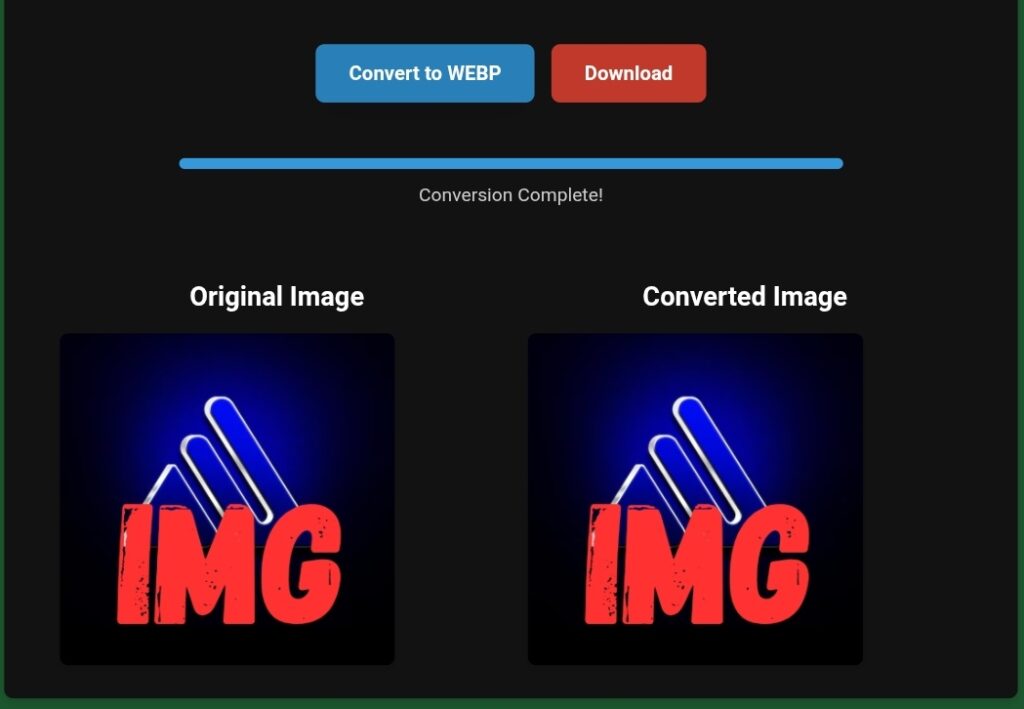
In this comprehensive guide, we’ll explore what WebP is, why it’s indispensable for modern web performance, how it directly benefits your site, and how you can effortlessly convert your image library using powerful online tools such as www.toolloopai.com. If your goal is to accelerate your site and ace your Core Web Vitals, this article is your definitive resource.
—
What Is WebP? The Modern Image Format for a Faster Web
WebP is an innovative image format introduced by Google, designed to offer superior compression compared to legacy formats like JPEG, PNG, and GIF. Its core mission is straightforward: deliver high-fidelity images at significantly smaller file sizes.
WebP stands out by supporting:
· Lossy Compression: Similar to JPEG, but significantly more efficient.
· Lossless Compression: Like PNG, but resulting in smaller files.
· Transparency (Alpha Channel): Full support for transparent backgrounds.
· Animation: Capabilities akin to GIFs, but with far better compression.
This unique combination of features positions WebP as one of the most versatile and powerful image formats available for the web today.
Why Does WebP Matter More Than Ever?
Google has moved beyond merely advocating for WebP; its core performance metrics now actively reward websites that adopt it. Faster image loading translates directly into:
· Higher scores on Google PageSpeed Insights.
· Improved Core Web Vitals performance.
· A smoother, more responsive mobile experience.
· Enhanced SEO rankings.
· Reduced bounce rates.
With every millisecond of load time influencing user behavior and search algorithms, migrating to WebP is no longer optional—it’s a strategic imperative for online success.
—
Why Converting Images to WebP Is Non-Negotiable for SEO
Search engines prioritize websites that deliver fast, seamless experiences. Multiple SEO metrics are intrinsically tied to image optimization. Adopting WebP positively influences all of them.
1. Drastically Improved Page Loading Speed
WebP images are typically25–35% smaller than equivalent JPEGs and can be up to 80% smaller than PNGs. This reduction yields:
· Near-instantaneous image loading.
· Quicker time to interactive.
· Lower data consumption for visitors.
· A vastly better experience on slower or mobile networks.
Since Google’s ranking algorithm explicitly measures page speed,a lighter website directly contributes to better SEO.
2. Enhanced Core Web Vitals Scores
Core Web Vitals quantify real-user experience , converterting to WebP provides direct improvements to all three key metrics:
· LCP (Largest Contentful Paint): Heavy images are often the LCP element. WebP ensures they load faster.
· FID (First Input Delay): Smaller files require less processing, freeing the main thread for quicker interactivity.
· CLS (Cumulative Layout Shift): Properly sized WebP images prevent unexpected layout shifts as pages load.
Superior Core Web Vitals equal higher search visibility.
3. Optimized Mobile Performance
With over 60%of global web traffic coming from mobile devices, performance on these platforms is critical. WebP’s efficiency is a game-changer for users on limited data plans or slower cellular connections, leading to higher engagement and satisfaction.
4. Increased User Engagement and Conversions
Website speed is directly correlated with user behavior, faster sites enjoy:
· Longer session durations.
· More page views per session.
· Higher conversion rates for sales and sign-ups.
· Improved effectiveness of affiliate links and calls-to-action.
Ultimately,a smaller image file can directly contribute to a healthier bottom line.
—
How WebP Transforms Website Performance: A Closer Look
Let’s examine the tangible impact of WebP through data and application.
1. Remarkable File Size Reduction
Consider these common scenarios:
· A 400 KB JPEG can be reduced to a 180 KB WebP with identical perceived quality.
· A 1.2 MB PNG with transparency can shrink to a 250 KB WebP.
These savings translate into immediate performance gains and bandwidth reduction.
2. Support for Modern Web Design Needs
WebP’s flexibility makes it ideal for diverse use cases:
· E-commerce: Crisp product photos with transparent backgrounds.
· Blogs & News: Heavy article imagery that loads instantly.
· Portfolios: High-resolution photography without slow load times.
· Marketing Sites: Animated banners and graphics that are both lightweight and engaging.
3. Universal Browser Compatibility
Widespread adoption is no longer a barrier , webp is now supported by all major browsers, including:
· Google Chrome
· Mozilla Firefox
· Microsoft Edge
· Apple Safari
· Opera
· Android browsers
With comprehensive support,implementation is risk-free.
—
Top Use Cases for WebP Conversion
1. E-commerce Stores: Faster product image loading reduces cart abandonment and boosts sales.
2. Content-Rich Blogs & News Portals: Keeps readers engaged by eliminating load delays.
3. Photography and Design Portfolios: Showcases high-quality work without performance penalties.
4. High-Stakes Landing Pages: Speed is conversion-critical; WebP provides the edge.
5. Affiliate Marketing Websites: Faster pages lead to better SEO, more traffic, and higher commissions.
—
How to Convert Images to WebP Easily and Efficiently
While several conversion methods exist, using a dedicated online converter is the most straightforward approach. Platforms like www.toolloopai.com offer rapid, high-quality conversion without requiring technical expertise.
Advantages of an Online WebP Converter
· Zero Installation: Works directly in your web browser.
· User-Friendly Interface: Simple drag-and-drop functionality.
· Format Support: Handles JPG, PNG, GIF, BMP, SVG, and more.
· Speed and Batch Processing: Converts multiple images quickly.
· Quality Preservation: Offers adjustable compression levels.
· Accessibility: Perfect for both beginners and seasoned developers.
Step-by-Step Conversion Guide
1. Upload Your Images: Navigate to your chosen converter (e.g., www.toolloopai.com) and upload the images you wish to convert. Batch upload is typically supported.
2. Select Compression Preferences: Choose your desired balance between file size and quality (e.g., High Quality, Balanced, Maximum Compression).
3. Initiate the Conversion Process: Start the conversion with a single click. The tool processes the images using optimized algorithms.
4. Download Your Optimized Files: Download the new WebP images and seamlessly replace the older, heavier files on your website.
—
Implementing WebP on Popular Platforms
For WordPress Users:
WebP integration can drastically improve your PageSpeed score, many modern themes and performance plugins (e.g., WP Rocket, ShortPixel, Imagify) now offer automatic WebP conversion and delivery, often with fallbacks for incompatible browsers.
For Shopify Store Owners:
Adopting WebP reduces CDN bandwidth and accelerates product page loads, this ads to a smoother mobile shopping experience and can directly increase sales. Apps are available in the Shopify App Store to automate this process.
For Custom Websites:
Developers can implement WebP manually for maximum control:
· Use the HTML <picture> element to serve WebP with JPEG/PNG fallbacks.
· Implement content negotiation on the server (via .htaccess or NGINX config).
· Use CSS or JavaScript to serve WebP backgrounds conditionally.
—
WebP vs. JPEG, PNG, GIF: A Detailed Format Comparison
Feature WebP JPEG PNG GIF
Lossy Compression ✔ Excellent ✔ Good ✘ No ✘ No
Lossless Compression ✔ Excellent ✘ No ✔ Good ✘ No
Transparency ✔ Yes (Alpha) ✘ No ✔ Yes ✔ Yes (Basic)
Animation ✔ Yes ✘ No ✘ No ✔ Yes
Typical File Size Smallest Medium Large Largest
Quality Retention High Good (with artifacts) Excellent Low
This comparison clearly illustrates why WebP is becoming the dominant format for web imagery, consolidating the strengths of other formats into one efficient solution.
—
Why WebP is Integral to Google’s Ranking Algorithm
Google’s mission is to promote the fastest, most user-friendly web experience. Utilizing WebP aligns perfectly with this goal by:
· Reducing server response and load times.
· Enhancing core user experience metrics.
· Improving mobile-friendliness.
· Adhering to Google’s own published best practices.
This alignment provides your website with a measurable competitive advantage in search results.
—
How WebP Conversion Drives Business and Blog Growth
1. Superior SEO Rankings: Speed is a confirmed ranking factor. Faster pages rank higher.
2. Increased Organic Traffic: Higher rankings naturally attract more visitors.
3. Enhanced User Satisfaction: A fast, smooth experience fosters trust and encourages return visits.
4. Reduced Operational Costs: Smaller images consume less bandwidth and storage, potentially lowering hosting expenses.
—
Conclusion: WebP is the Future of Web Imagery
Converting your images to WebP is among the most effective, cost-efficient, and straightforward strategies to radically improve your website’s performance. The benefits—blazing-fast load times, stronger SEO positioning, optimized Core Web Vitals, and heightened user engagement—are too significant to ignore.
Whether you manage an online store, a personal blog, a professional portfolio, or a business website, embracing WebP is a decisive step toward a faster, more competitive, and user-centric online presence.
For a reliable, fast, and user-friendly conversion experience, tools like www.toolloopai.com streamline the process, making it easier than ever to harness the power of this modern format and future-proof your digital assets.